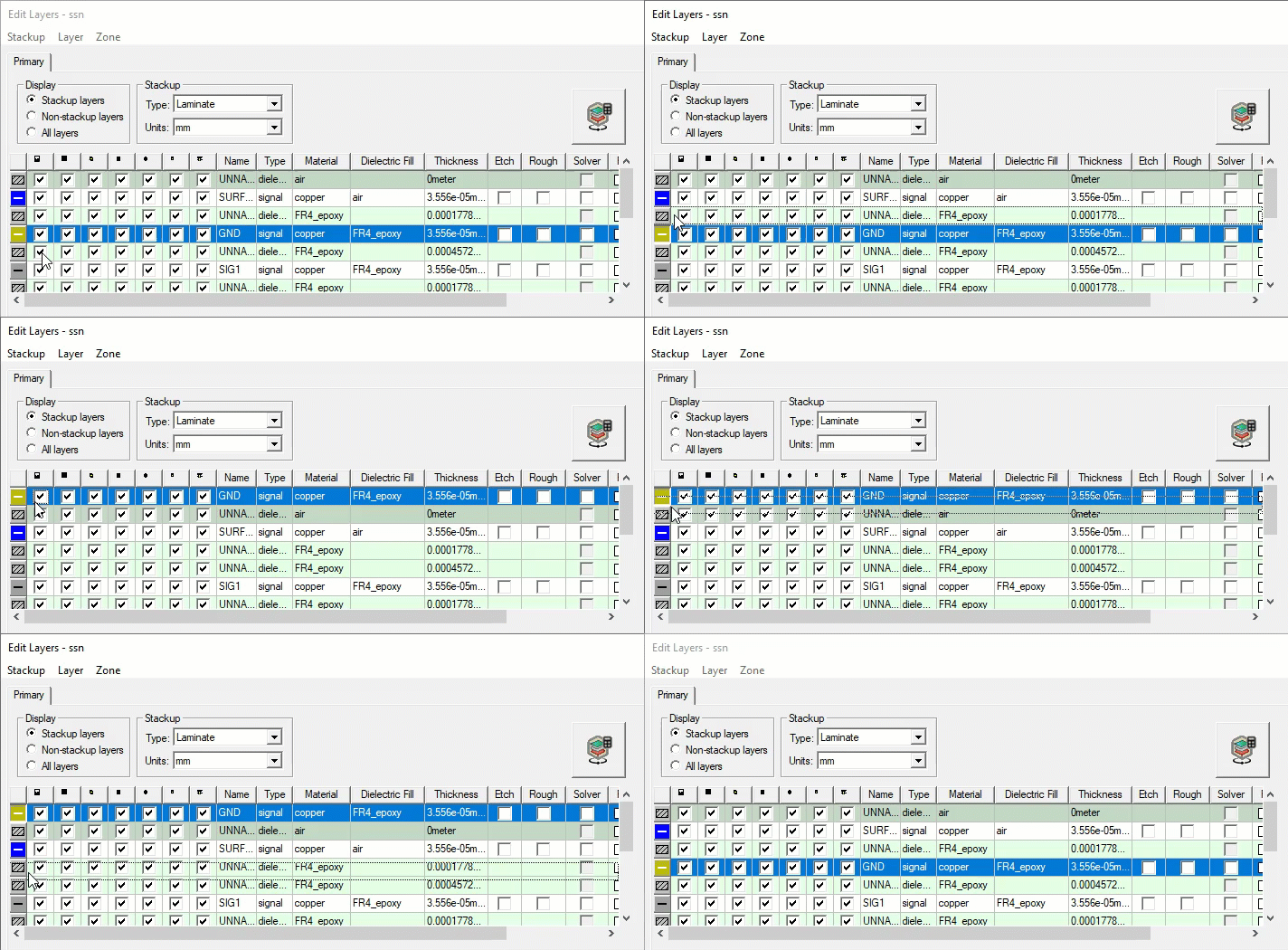
Elevation in Laminate and Multizone Stackups
In laminate and multizone stackups, each layer lays on the layer underneath it. Signal layers cannot be embedded in dielectric layers. The thickness of each layer can be changed but not its lower elevation. Because of this, the only ways to change a layer’s lower elevation in a laminate or multizone stackup is to:
- Add or remove a layer
- Change the order of the layer
- Change the thickness of a layer underneath it.
To change the order of layers in a laminate stackup, click+drag a physical layer in the Edit Layers ’ control grid to a new position in the Grid Control. Dielectric material is chosen the same way that a signal layer is chosen.