Modify the Analysis Settings to optimize solving speed:
Under the Motion element in the Project tree, select Analysis Settings.
Under Simulation Controls, set Number of Threads to
8.Under Step Control, set Output Step to
500.Right-click the Solution element and select > > .
Right-click the Solution element and select .
Solution should take approximately 2 to 3 minutes.
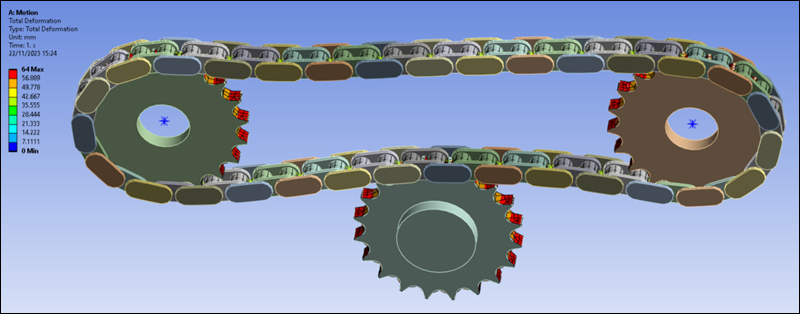
Select Total Deformation under the Solution element.
Ensure that the animation option is set to (see below).

Play the animation and inspect the results.