


Viewing and ranking results from selection stages
Rank the results list to view which records have the maximum or minimum value for a specified property.
In the Results pane of the Select window
-
Material results can also by ranked by clicking the appropriate table headers
in the Results pane.
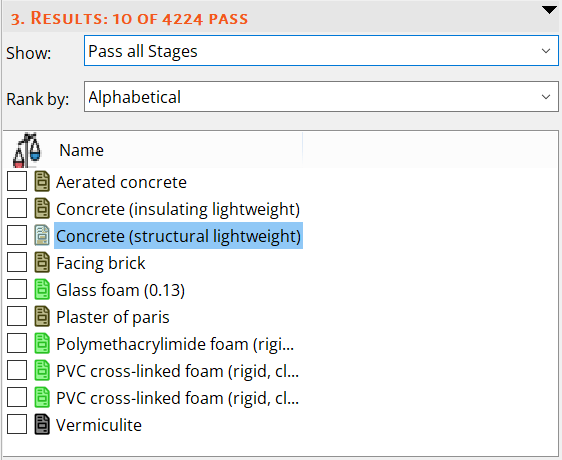
Example 1: Records that pass all stages, ranked alphabetically by record name
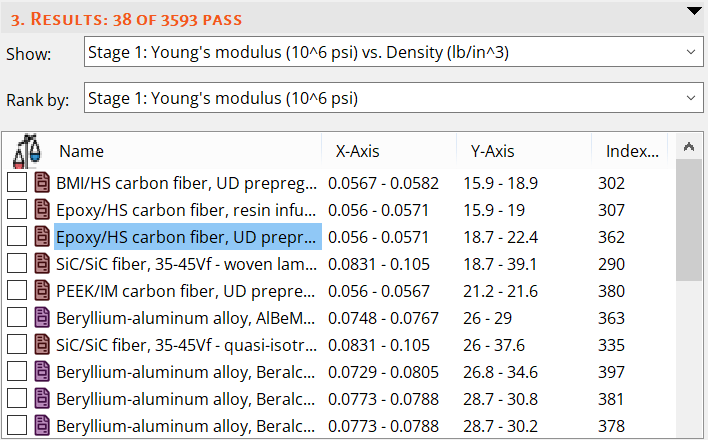
Example 2: Records that pass Stage 1, ranked by ascending y-axis attribute values (Young's modulus) for that stage