


Selecting cells on a Count chart
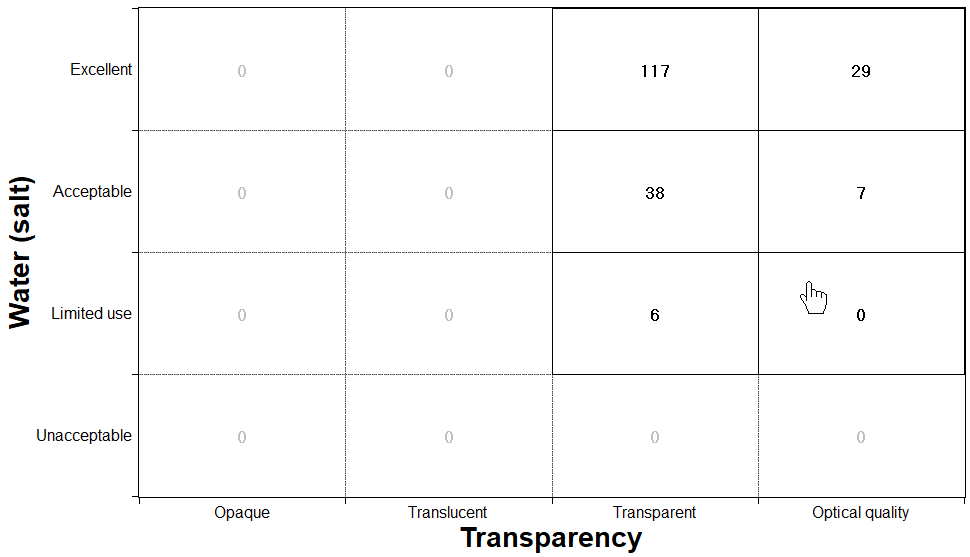
Make a box selection on a Count chart. You may include non-adjacent cells in the selection.
Click  Box Selection.
Box Selection.
The cursor over the chart turns into a hand 
- To select an individual cell, click it.
- To select adjacent cells, drag a box across them.
- To select several non-adjacent cells, hold down the Ctrl key and click each cell to add it to the selection.
- To remove a cell from the selection, hold down the Ctrl key and click it again.
The records that fail the selection will be counted in gray.