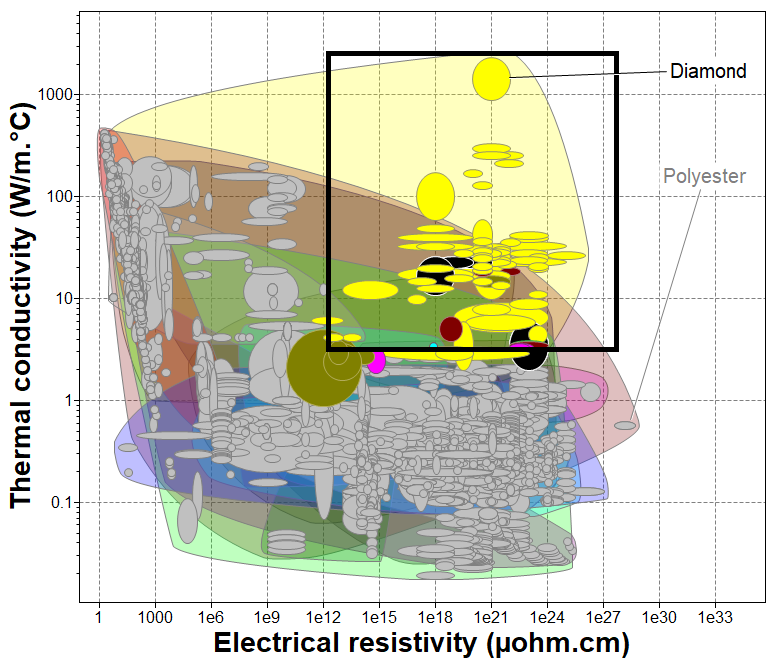
Select records based on a box drawn on a chart.
-
Click
 Box selection.
-
Click and drag the box across the chart to select the records of
interest.
The records that fail the selection and their labels will be plotted
in gray.
-
To change the properties of a box, select it, right-click, and choose
Properties:
| Option | Description |
|---|
| X-Axis |
Sets the range of values included across the specified x-axis
Attribute. |
| Y-Axis |
Sets the range of values included across the specified y-axis
Attribute. |
| Objective |
Boxes can have two objective types:
- Selection - select the materials inside the box.
- Show box for display only - no selection is applied.
|
- Optional:
To change the appearance of a box, select it, right-click, and choose
Format Line.
You can specify the line style, color, and width.


