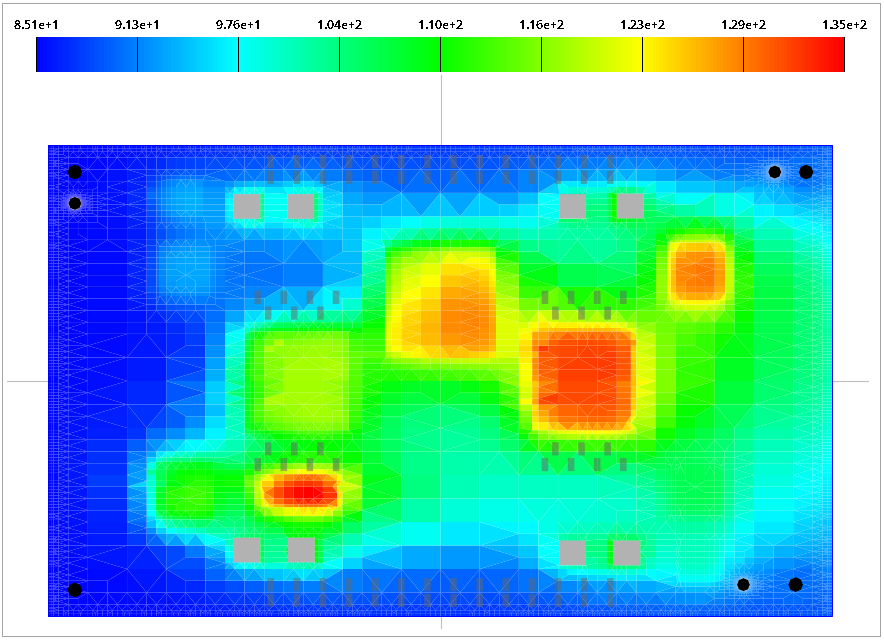
To prepare the env_temp_minus_55.tmap and the env_temp_plus_85.tmap files from the AEDT application, follow the steps below.
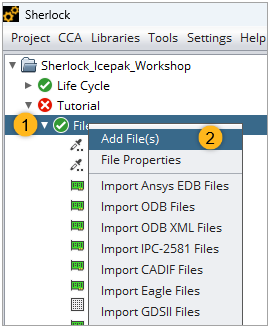
Right-click Files in the Project Tree and select Add File(s) from the context menu.
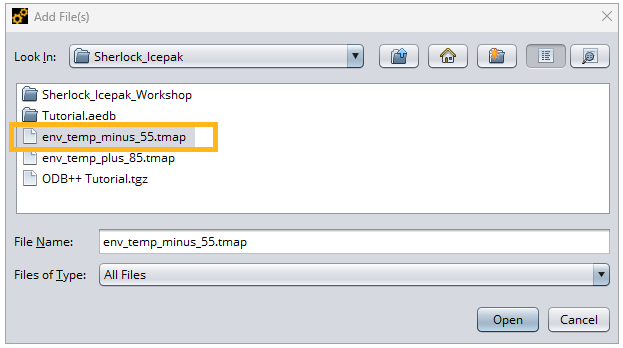
In the Add Files window, navigate to the location of the .tmap files. Select the file and click . This adds the selected file to the Files list in the .
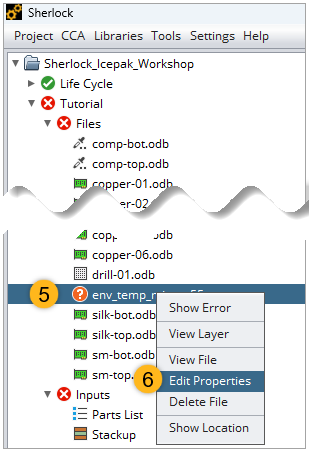
In the Project Tree, right-click the file env_temp_minus_55.tmap. Select Edit Properties in the context menu.
In the Edit File Properties window, change the properties as follows:
Select Icepak Thermal Map (TMAP) for the File Type.
Select Phase 1/Thermal Event - Min for the Thermal Profile(s).
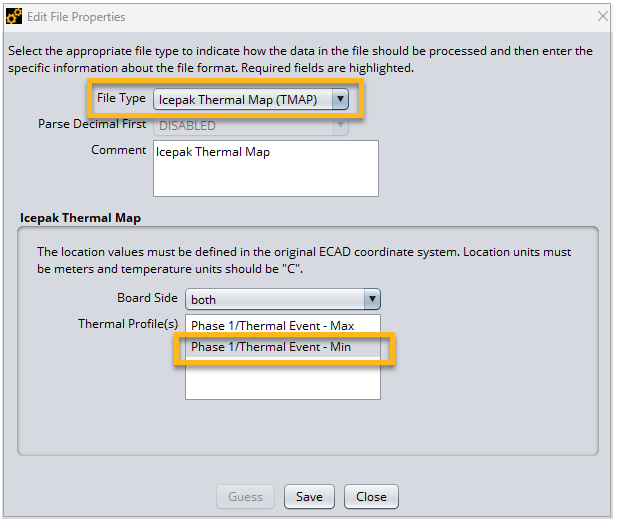
Click Save.
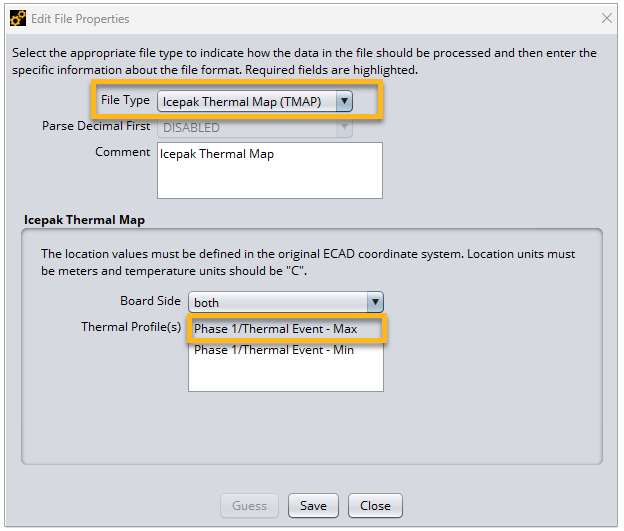
Now import the env_temp_plus_85.tmap file using the procedure described in steps 1 and 2 above. Then set the file properties as shown in steps 3 and 4, but configure the file as shown below.
Select Icepak Thermal Map (TMAP) for the File Type.
Select Phase 1/Thermal Event - Max for the Thermal profile(s).
You can now view the resulting temperature contour in the Layer Viewer. Right-click one of the imported .tmap files in the Project Tree and select in the context menu.