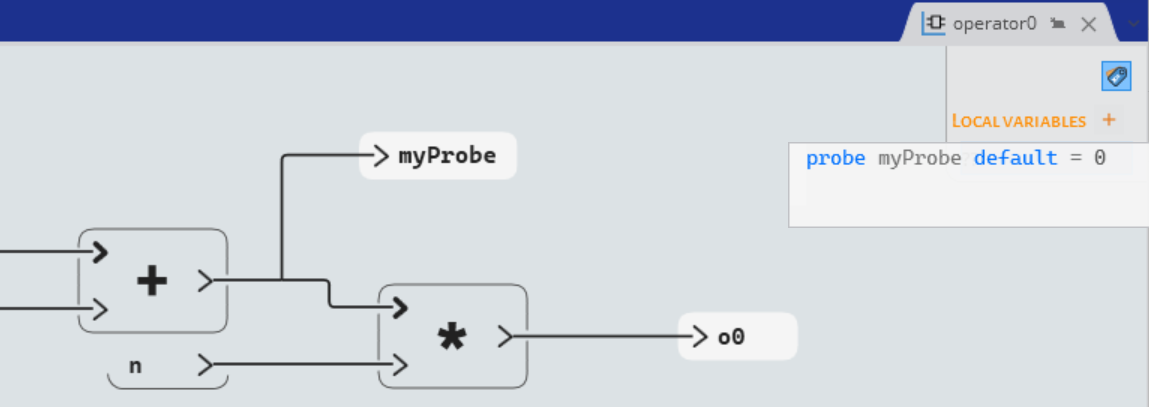
Declaring Local Variables and Probes
Declare local variables, including probes, in different scopes (operator, state, activate if/when, forward).
Declaring Local Variables
You can add variables that are only accessible in the scope in which they are declared:- Open the Local Variables editor as follows:
- In an operator, click
 at the top-right corner of the operator
block diagram.
at the top-right corner of the operator
block diagram.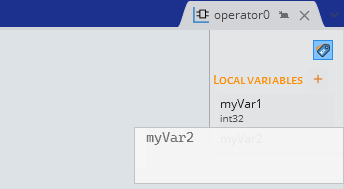
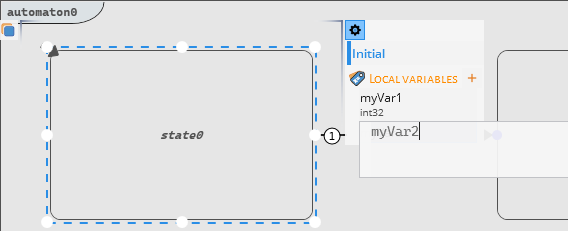
- In an automaton, select a
state and click
 .
.
- In an activate if,
activate when or
forward, select a scope and click
.
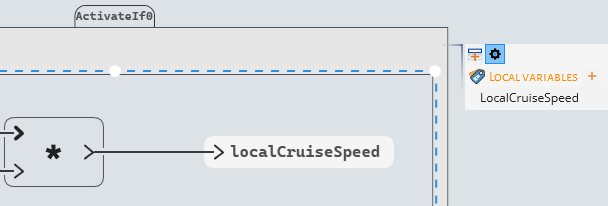
- In an operator, click
- Declare the local variable with respect to the syntax described in Variable Declaration. Note: The text editing features and auto-completion (Ctrl+Space) are available while declaring variables.
Declaring Probes
You can declare probes by defining local variables and adding the keyword
probe.
- Create a local variable in an operator, state, or activate if/when scope.
- Add the keyword probe before its identifier.