You can open a previously saved project to continue working with it.
There are multiple ways to open a project:
From the menu bar, select > > .
For more details on opening external projects, see Opening an External Project.
From the toolbar, click
 .
.From the menu bar, select > and select a project from the list.
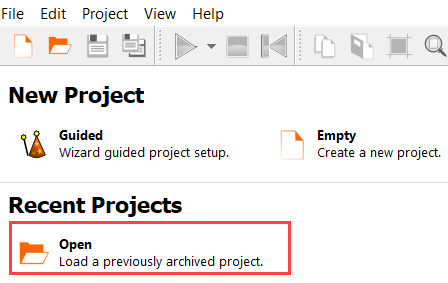
On the Start screen, under Recent Projects, click and browse to the required project.
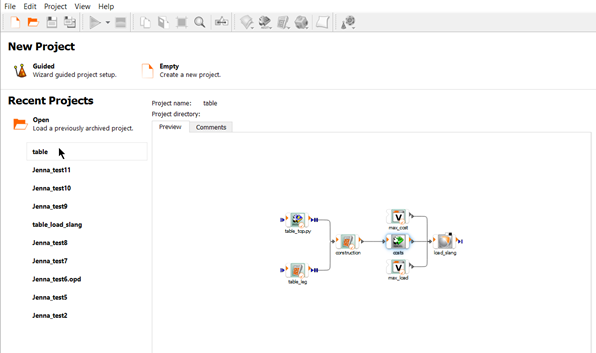
On the Start screen, under Recent Projects, click the name of a recent project.
To preview the project before you open it, mouse over the project name. A preview pane is displayed where you can see the project systems and any comments entered in the project settings.