
Grouping Vias in IC Mode
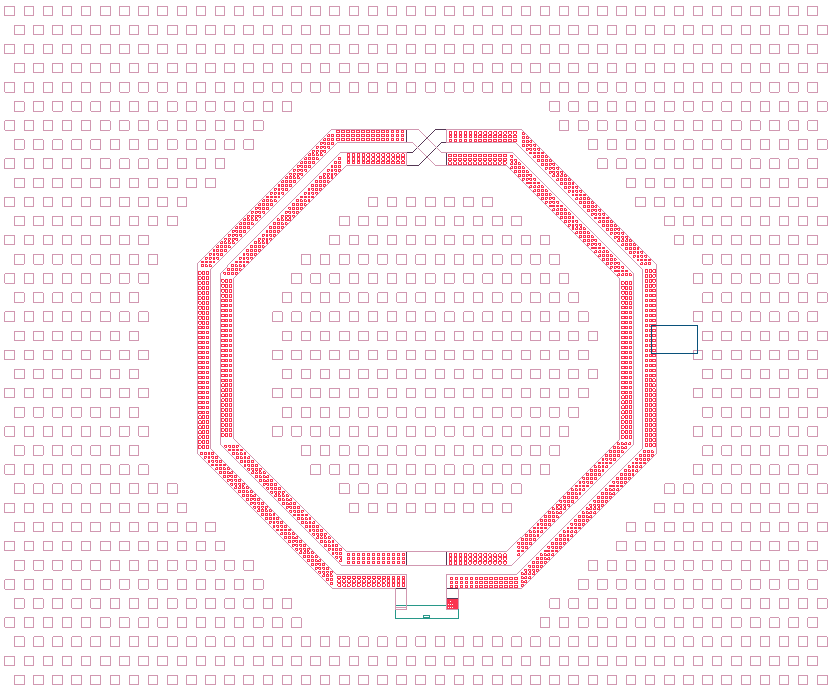
Integrated chips are commonly fabricated using numerous small vias between signal layers which can result in highly complex geometries. Geometries can be simplified through grouping. Via grouping replaces via regions with an equivalent wrapping polygon that has material properties representative of the grouped primitives. The Group Vias tool detects clusters of primitives and creates via groups accordingly. Via groups can then be combined or dissolved depending on which option is selected.
Vias can be grouped using three methods: Group By Density, Group By Proximity, and Group By Range.
Group By Density
The density‑based clustering method uses the Hierarchical Density‑Based Spatial Clustering of Applications with Noise (HDBSCAN) algorithm to identify vias that form dense regions, providing superior detection of complex via patterns. It groups vias according to their density distribution across the layout, using the specified tolerance as the maximum inter‑via distance for determining neighborhood relationships during density estimation. The method automatically identifies clusters of varying shapes and sizes, naturally handles noise and outliers by leaving low‑density vias ungrouped, uses a hierarchy of density estimates to determine optimal cluster boundaries, and considers both local and global spatial relationships.
Group By Proximity
The proximity‑based method groups vias that exhibit similar spacing patterns, forming clusters only when the distance between vias does not exceed the specified tolerance. It evaluates the relative spacing between nearby vias, identifies vias that share comparable inter‑via distances, and produces clusters with consistent spacing characteristics. This method is well‑suited for layouts where vias follow regular or repeating spacing patterns and where grouping should reflect those spacing relationships.
Group By Range
The range‑based method groups vias by expanding outward from an initial seed via, adding new members whenever they fall within the specified tolerance of any existing cluster member. It grows clusters through transitive proximity relationships, allowing a via to join the group even if it is not close to the seed itself but is close to another member. This approach creates clusters that reflect chained proximity connections and is effective for capturing elongated or sequential via arrangements.
Configuring Via Grouping Settings
-
From the Layout ribbon, click Settings.

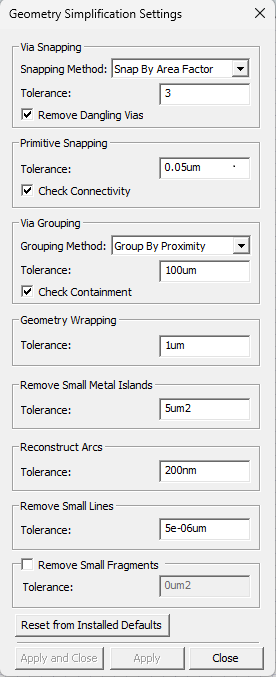
The Geometry Simplification Settings window opens.
-
Select a Grouping Method from the drop‑down menu (Group By Proximity selected by default).
- Group By Density – Uses density‑based spatial clustering for superior detection of complex via patterns.
- Group By Proximity – Groups vias that are spaced similarly. Vias are not grouped if the distance between them exceeds the Tolerance.
- Group By Range – Groups vias based on whether a potential member is separated by no more than the Tolerance from any other member.
-
Enter a value in the Tolerance field, including the unit of measurement (e.g., 100um). This represents the gap distance or maximum inter‑via distance for clustering.
-
Check the Check Containment box to detect and prevent electrical shorts (checked by default).
Note:Check Containment analyzes the placement of via primitives. When the possibility of a short is detected, Check Containment attempts to prevent a short.
-
Click Apply and Close.
Grouping Vias on a Specific Layer
-
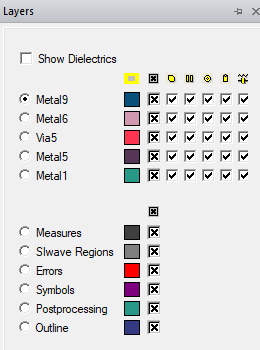
If the Layers window is not visible, navigate to the Layers tab. Click the Layers tab to open the window.
-
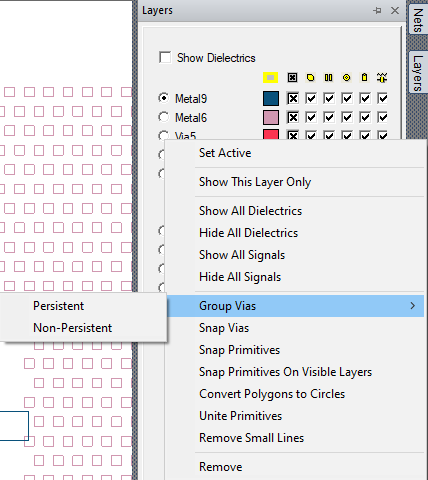
Right‑click the selected layer (e.g., Via5) and select Group Vias > [Option]:
- Persistent – Create via groups and keep original primitives.
- Non‑Persistent – Create via groups and delete original primitives.
The vias in the design are grouped according to the selected grouping method and specified tolerance.
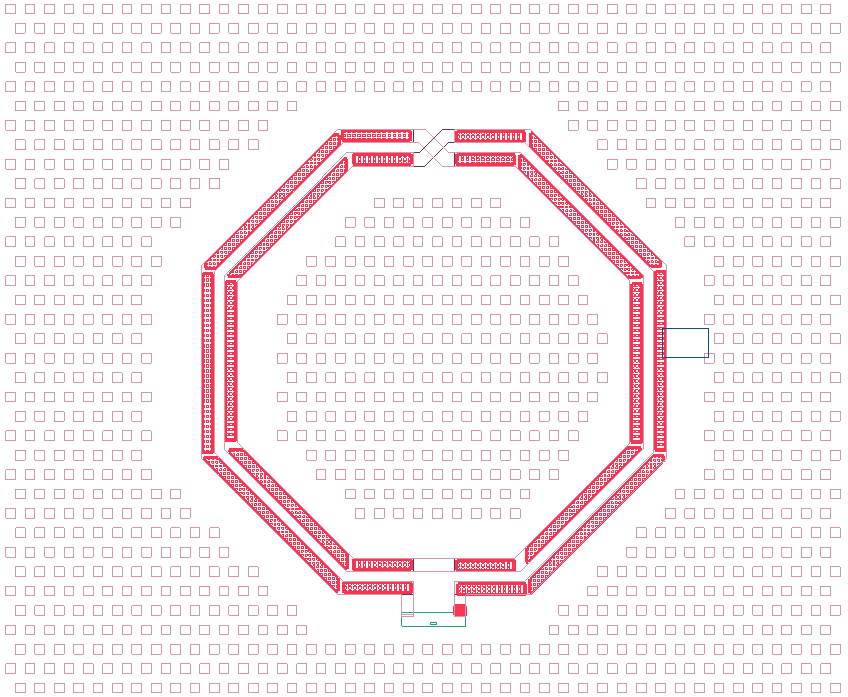
Manually Grouping Vias in the Layout Editor
-
Select a group of via primitives.
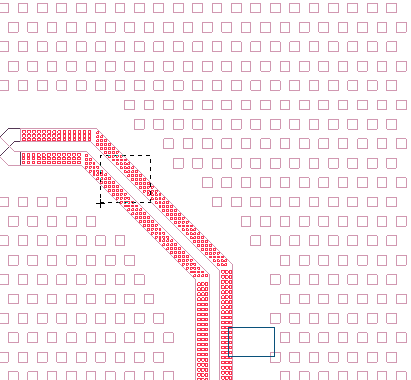
-
From the Layout ribbon, select Group Vias > [Option].
- Persistent – Create a via group and keep the original primitives in the design
- Non‑Persistent – Create a via group and delete the original grouped primitives
- Combine – Merge selected via groups and/or via primitives into a new via group
- Dissolve – Restore the selected via group into the primitives that comprise it
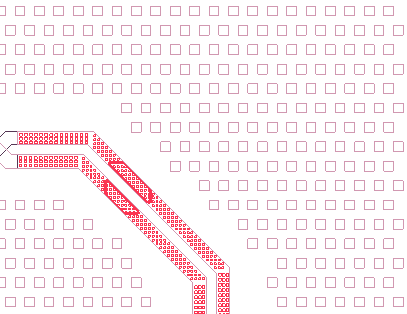
Via primitives can be rectangles, polygons, or lines. Only rectangular via primitives can have more than one primitive in a via group. To make a via group out of polygons or lines, the group can have only one line primitive or one polygon primitive in it.