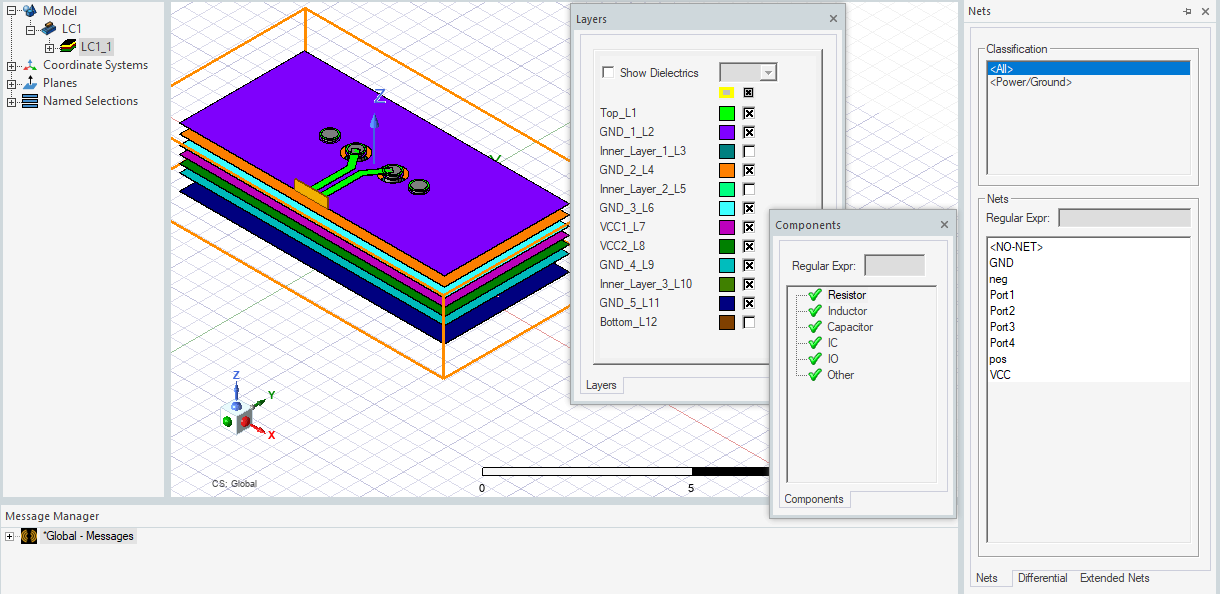
Using a 3D Layout Component in Maxwell
HFSS 3D Layout designs can be imported into Maxwell as a component for simulation in a Maxwell 3D transient or AC magnetic A-Phi analysis. You can have a complex layout component interact with the surrounding 3D geometries without the burden of using a 3D geometry exported from HFSS 3D Layout. This feature allows great scalability in having a complex layout geometry sit in an EMI/EMC 3D environment.
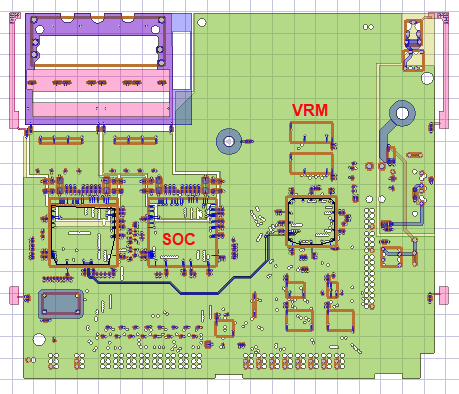
The layout component can be imported from EDB to a Maxwell 3D design with a terminal solution type.
Supported functionalities for Layout Component in Maxwell 3D include
- Normal simulation workflow: Run simulation and view matrix and field overlay
- Layout geometry visualization and option to change object visualization attributes.
- Flex PCB Component support
- Visualize RLC elements in layout components the same way as they do in 3D layout, including RLC boundaries and components that are categorized as circuit elements.
- Parametric Analysis: Using design variable to control component
- Import of custom coordinate systems from layout component design to Maxwell 3D.
- Intersection Validation
- Between MCAD geometry and layout component
- Between different layout components
- Show Nets for Layout Components
- Only MCAD nets are shown now, which may connect through ECAD conductors
- Net attributes can be view through component object attributes
- Port Display
- Mesh Link
- Can use non-model sheet or cut plane to plot in layout component
Limitations:
- Single top-design EDB only
- No Derivative support
- No Encryption
When a layout component is selected in the Project Manager tree or history tree, the Components/Nets/Layers tabs will display the information about the component in the same way as they do in a 3D layout design for that component.