
Transient Solution Data
For Transient solutions, the Solution Data dialog includes a Transient tab. Your access is by clicking HFSS>Results>Solution Data.
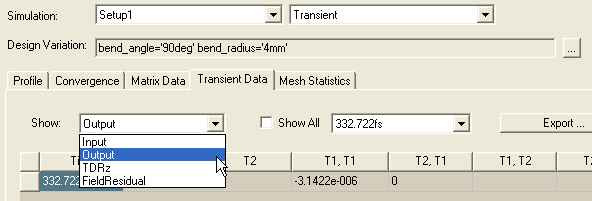
- To enable the display of transient data on the Transient tab, you must first select Transient from the Simulation drop-down menu.
- Then selecting from the Show drop-down menu, you can select Input, Output, TDRz or Field Residual to display.
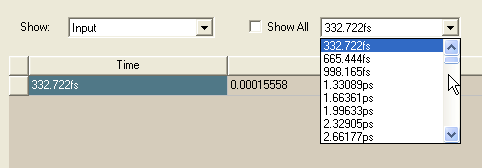
- You can select which time step to display from the drop down, or check Show All.
- To export the transient data, click Export. This opens File browser winder that lets you specify a File name, location, and data format.
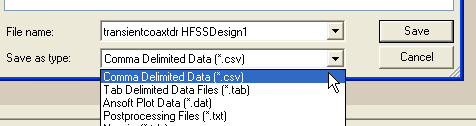
For Transient, the format selections are:
|
.csv |
Comma Delimited Data. |
|
.tab |
Tab Delimited Data files. |
|
.dat |
Ansys Plot Data files |
|
.txt |
Post Processing Files |