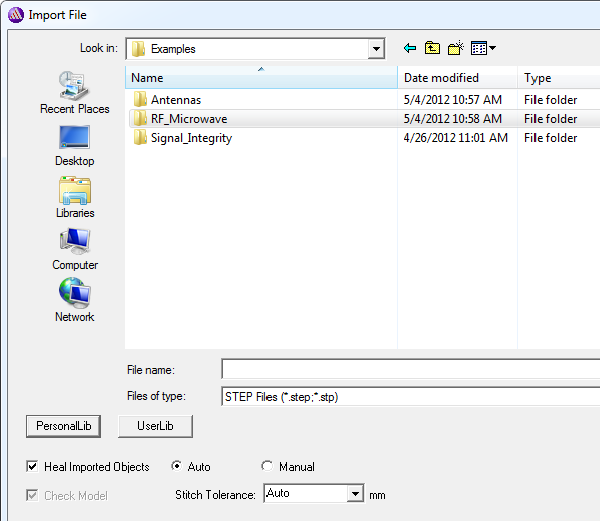
One: Healing During Geometry Import
In case you don't draw your entire geometry in the Ansys EM environment but wish to import (part of) it, in the Import File window you select which geometry file to import. Some formats permit healing during import (See: Healing). Selecting these formats enables a check box at the bottom of this window, "Heal Imported Objects." For these supported formats (except for 3D Modeler files), two modes exist, "auto" and "manual". Auto Healing will try to address kernel errors and non-manifold errors, the first two classes of potential problems listed earlier. It will also fix surface normals in the body and updating orientation of body, to avoid having a body with negative volume.
Manual healing adds tolerant stitching, geometry simplification (such as small-feature removal) and tight en gaps settings to this. You can remove small features at this stage if you wish. However, the usual approach is to apply auto-healing at this stage and leave small-feature removal until later.