
Initial Mesh Settings
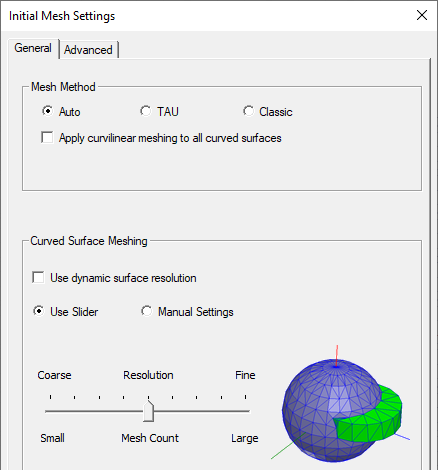
The initial mesh settings dialog box has the following panels:
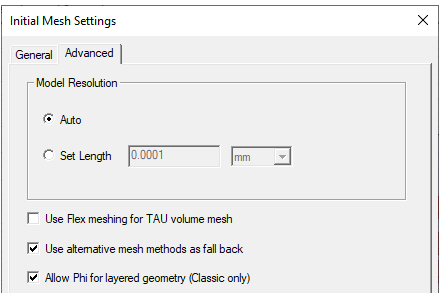
The Advanced tab lets you optionally specify a Set Length for Model Resolution. This is for experienced users who have a good understanding of how particular values will affect their models. In general, the Auto setting provides good results.
For details, on using these features, see Specifying Initial Mesh Settings.