Assigning Perfect E Boundaries
A perfect E boundary is used to represent a perfectly conducting surface in a structure.
To create a Perfect E boundary
- Select a surface
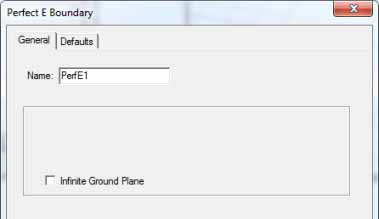
on which to assign the boundary and click HFSS>Boundaries>Assign>Pefect
E to bring up the Perfect E Boundary
dialog box.
- For HFSS projects, you can select Infinite Ground Plane if you want the surface to represent an electrically large ground plane when the radiated fields are calculated during post processing. For PEC boundaries only, multiple infinite ground planes are supported.