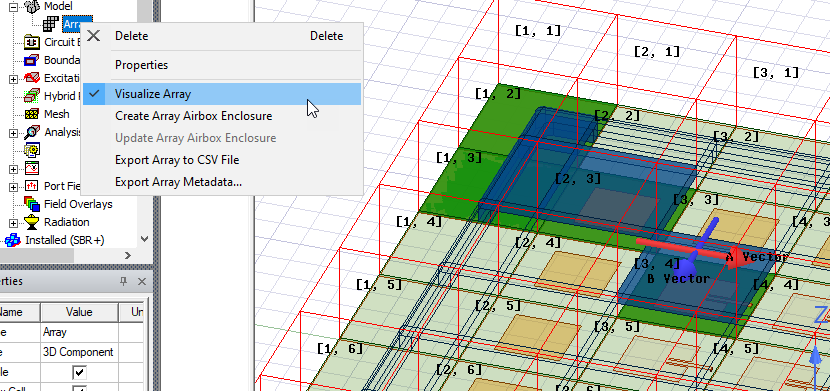
Array Visualization
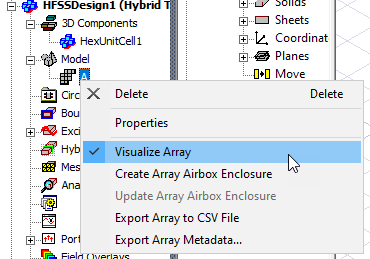
You control the visualization of an array by selecting an existing Array in the Project tree and toggling the Visualize Array command on the short-cut menu or the Visble check box for the Array properties.
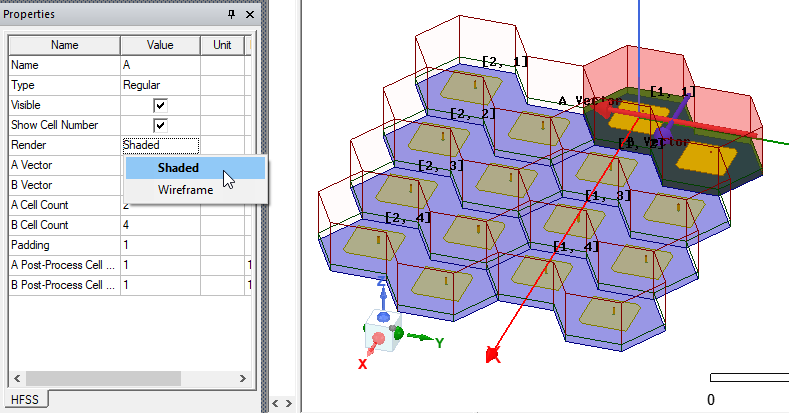
Virtual objects in an array can display as Wireframe or as Shaded, depending on your selection in for Render in the Array Properties window.
If the all virtual objects for an array do not appear in the view modeler window, perform a View>Fit All operation. If you change the view, you can also use Ctrl+D to fit the array into the current view.
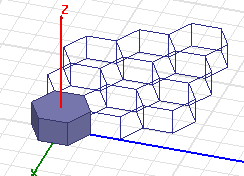
You can disable the array visualization by clicking on the Visualize Array option again. A check mark appears in front of Visualize Array if the option is already ON. This option will also be present in general active view visibility options, View>Active View Visibility.
The visualize array option will be applied to the current active view. You can have multiple windows in the modeler, each window will have its own Visualize Array setting. This allows you to use different windows to look at unit cell display and whole array display at the same time.
If the Visualize Array option is set to true, the array will be visible when you open the project.