


There are some diagnostic tools available in the software to find and analyse problems or the causes of problems with the consistency of the project data. Use the "Diagnostics" preferences page to configure these tools. You can find the page under the "General" section. Note: There are reasonable default settings in place which reflect the tool behavior before this customization feature was introduced.
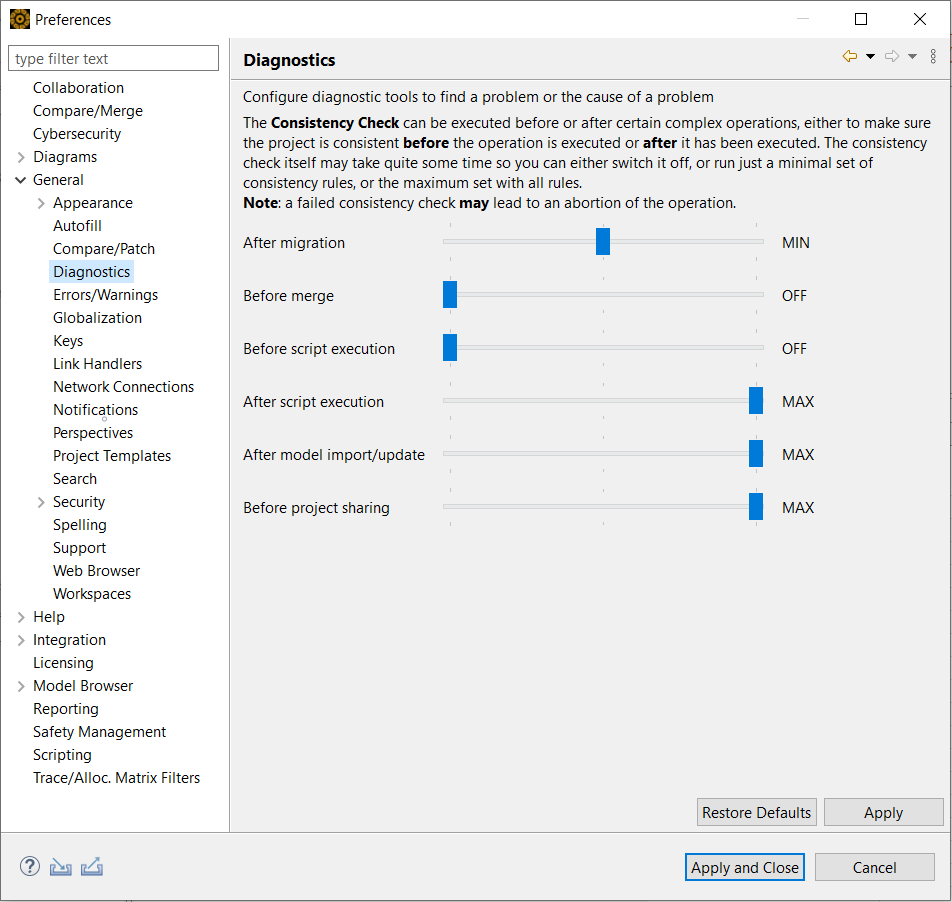
The "Consistency Check" tool can be run at any point in time on a selected project. Change to the "Model Browser", select the project to check and use the "Consistency Check"action from the context menu. All found issues are listed in the "Problems" view after the check is finished.
Note that most diagnostic tools in general - and the "Consistency Check" in particular - work on a rather technical level. If you have problems to understand any of the findings, or you cant fix the found problem yourself, contact the support team. See next section how to do that best.