


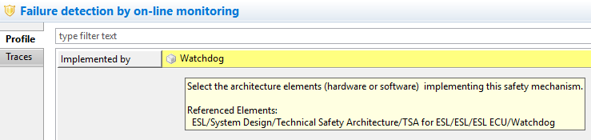
| Custom Properties | Reference profile attributes show long paths in tool-tip, ports and failures show their parent in the label.
|
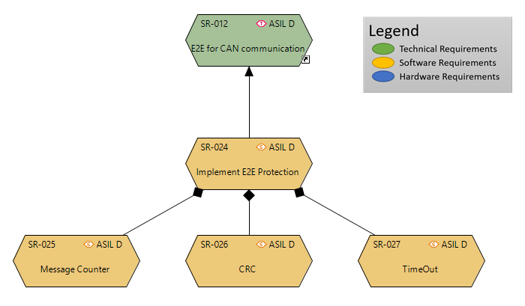
| Images on Diagrams | Images can be put on any diagram as pure diagram objects. All major image formats as PNG, JPG or SVG are supported. Images can be placed inside compartments as well. Furthermore it is possible to copy and paste appearance information of one or multiple objects from one diagram to another one via the "Edit" menu.
|
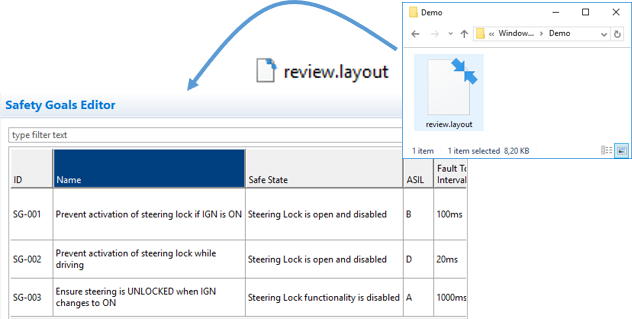
| Table Layouts | External table layout files can be dropped from the file system directly to any open table editor to quickly apply the table layout. The table can be read-only or editable. The file name extension must be ".layout".
|
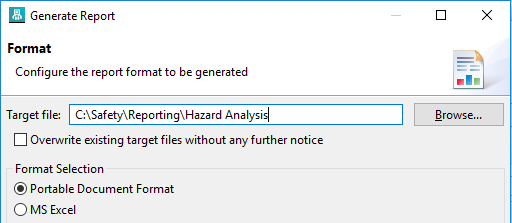
| Reporting | The target of a report generation - typically a PDF or office document - can now be specified directly in an editable text field. Using the file browser is still possible but now optional. Note that a file extension is appended automatically if required. Any intermediate folder is created automatically too, if required.
|
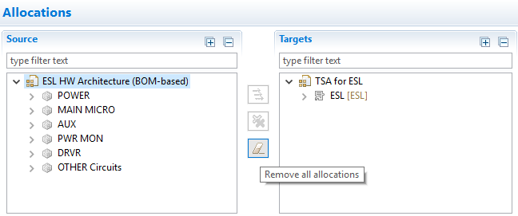
| Allocation Editor | All allocation from a system element can be now quickly removed with a single click without selecting any allocation target. Note that only allocations within the scope of the open editor are considered.
|
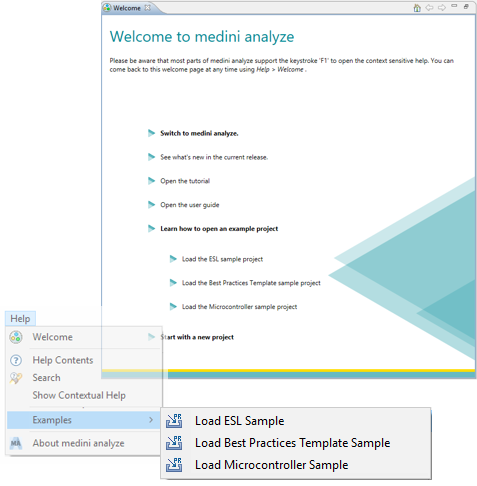
| Samples | Well known samples projects as the ESL or the Microcontroller example are now shipped with the installation and can be easily opened either via the "Help" menu or via the Welcome page.
|
| Customization | Failure and measure collections can be customized (profiled). |
| Search | Double click on search results will navigate to table cells or form fields if applicable. |