


| Configuration folder | A new configuration folder named config has been introduced in each project file storage to hold and maintain project specific configuration files as for example attribute mapping files for integrations with RM and PLM systems. The folder is observed and handled during diff/merge operations. 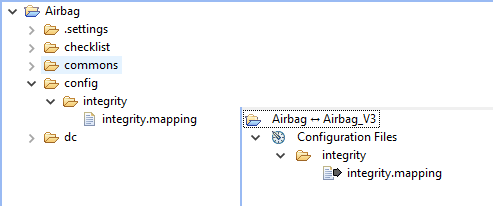 |
| Custom attribute mapping for DOORS live | When importing modules from DOORS, an attribute mapping can now be used to detail the way how attributes and values are mapped, similar to import from PTC Integrity. Multiple mapping files can be maintained in the mentioned project configuration folder and selected upon import. 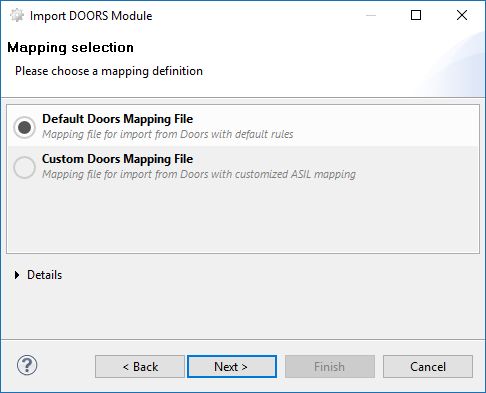 |
| New Project File Type | Projects can be exported into external project archives now with a single click. Respective quick tools can be found in the main toolbar, but also in the main and context menu of the browser. External files will have the new .MPRX extension which is reserved for future use (e.g. CLI interface and tighter OS integration) 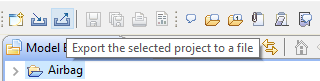 |
| Native Word report format | The report engine now supports Microsoft Word 2013 (DOCX) format, which replaces the DOC format used before. 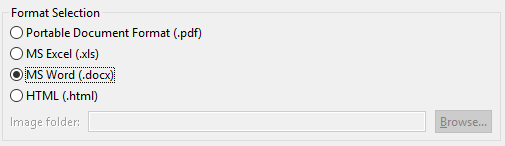 |
| Validation marker export | Markers (e.g. created as a result of validation) can now be exported to Excel or other document formats. 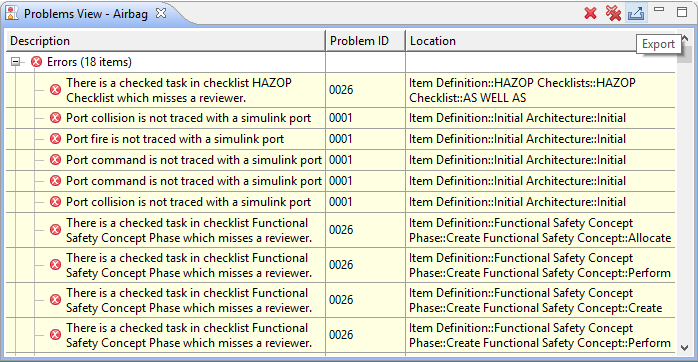 |