


| Compare | New compare functionality supporting 2-way and 3-way difference analysis of projects has been introduced with this major version (see also Section 10. of the user guide). The comparison can be generally used to visualize the changes that were applied to a project in relation to older versions of the same project or another project.
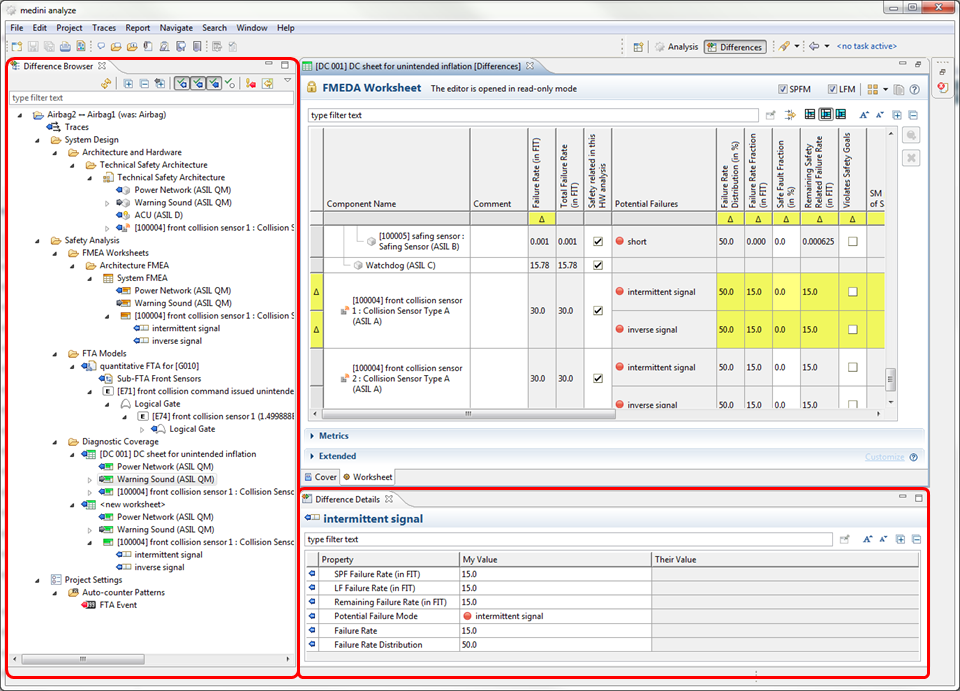
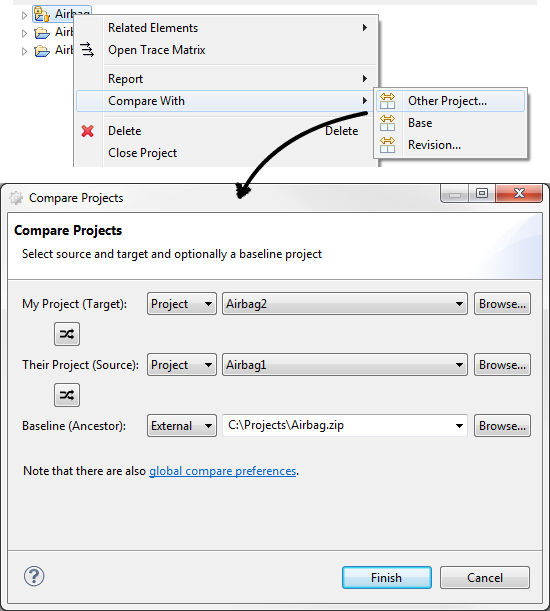
The comparison can be triggered in various ways: from the context menu of project(s) in the "Model Browser" view (Choose "Compare With...") but also from the context menu of the "Project Repository" view (single and multi selection).
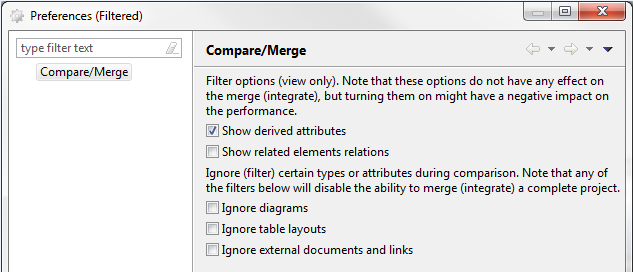
The comparison can be customized by a set of preferences, e.g. to filter certain attributes or ignore certain differences.
|
| Integrate/Merge | Integrate and merge functionality is available at experimental status in the tool. To test it, it needs to be enabled in the preferences first. |