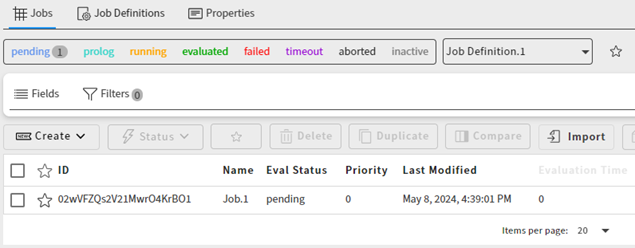
To see the jobs that have been generated from a specific job definition:
Go to the Projects page and open the project.
In the navigation path at the top of the page, select Jobs.
On the Jobs page, select the Job Definitions tab.
In the table, click the icon in the Jobs column of the job definition whose jobs you want to view.

All jobs associated with the job definition are listed on the Jobs tab.