


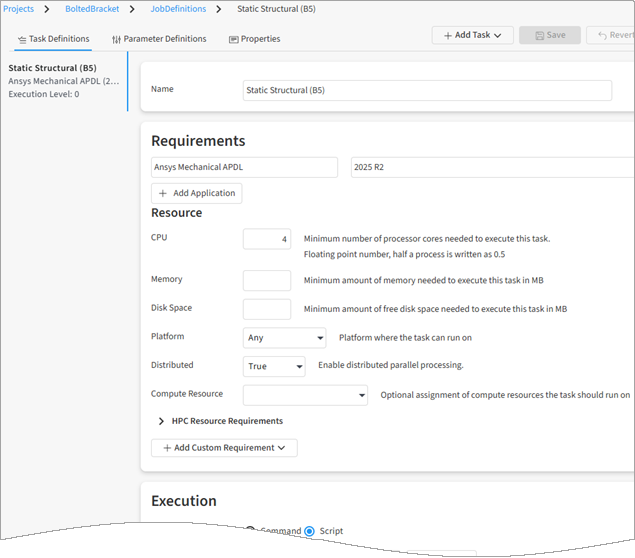
When you open a job definition you can see its task definitions, parameter definitions, and properties.
To view a job definition:
Go to the Projects page and open the project.
In the navigation path at the top of the page, select Jobs.
On the Jobs page, select the Job Definitions tab.
In the job definitions table, click the job definition that you want to view. The job definition view is displayed.
If a job definition has been used to generate a job, you can also access the job definition from the job's details view. See Viewing the Job Definition for an Existing Job.