


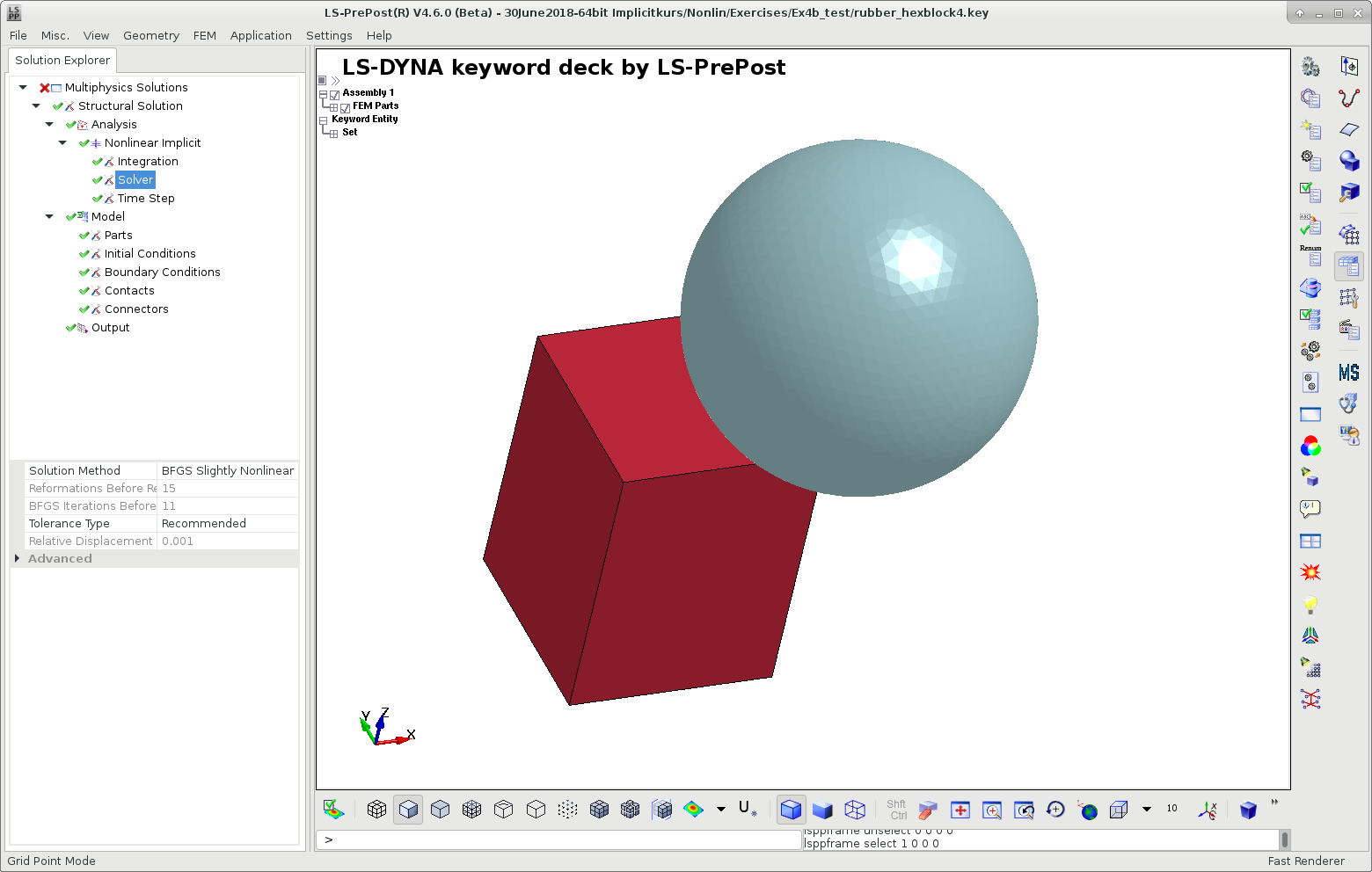
From version 4.6 of LS-PrePost, the Solution Explorer, a dedicated GUI for setting up implicit analyses [19] is available as shown in the following figure. It is based on general engineering concepts and is not as focused on keywords. With this tool, you can easily set up different types of implicit analyses. You are guided with regards to control card setting, element types, contacts, and so forth. Using the Solution Explorer gives you the recommended settings from Appendix P of Keyword Manual Vol. I, along with recommended contact settings, elements, materials, and so forth for implicit analyses.
For more information about LS-PrePost, see the following: