


When a database is initially created, it is assigned an admin user with the username of nexus and the password cei. This can be changed by options in the server itself.
The User administration page allows you to add more users, modify existing users, and so on This information is saved in the database and is used by any server that is launched with the database listed in the > page.
Important: Operations performed on the administration page control access to your server and the data it contains. Ansys is not able to recover passwords you change so proceed with caution.
On the menu bar of the Ansys Dynamic Reporting web interface, click .
Enter the nexus Username and cei Password.
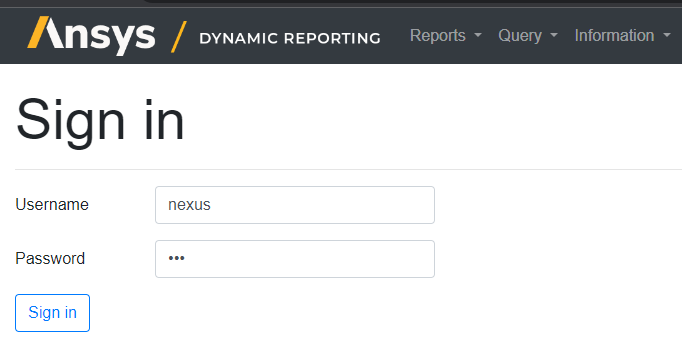
Click .
From the menu bar, select > .
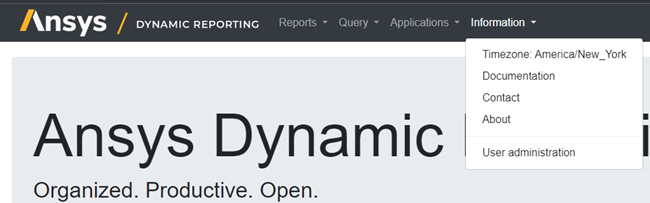
The following page opens. The interface may vary a bit, depending on which version of Ansys Dynamic Reporting you are running.
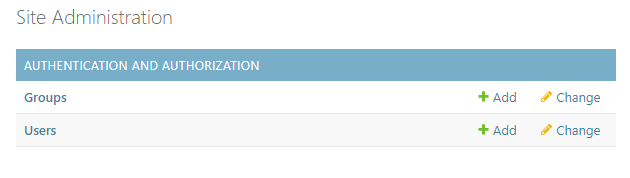
On the Site Administration page, next to Groups, click Change.
From the list, click .
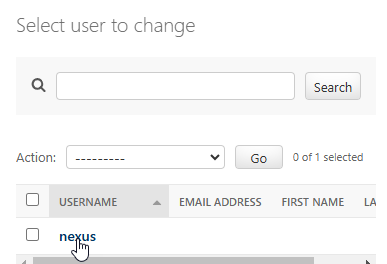
The Change user page opens.
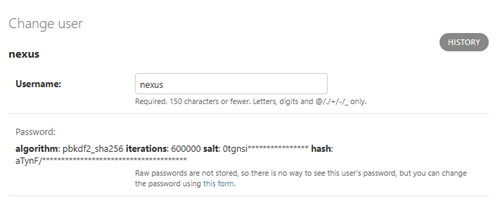
To change the user name, enter a new one into the Username field.
To change the password:
Click the words this form.
Enter the new password in the fields.
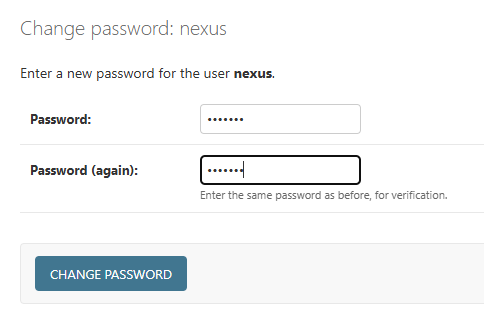
Click .
Click .