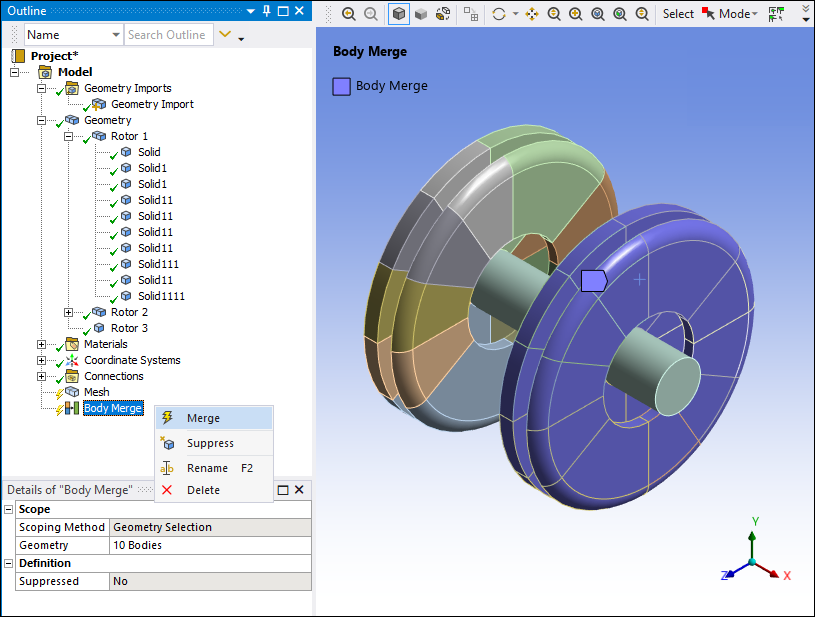
Use the command to execute a Body Merge. This is necessary when you create a Body Merge, unsuppress a Body Merge, or clear a Body Merge.
A lightning bolt icon next to the Body Merge object indicates that the selected bodies are ready to be merged. To execute a Body Merge, do one of the following:
Click the Body Merge object, then click the Merge icon on the Body Merge Context tab.

Right-click the Body Merge object in the Outline pane and select from the menu.
Mechanical then executes the body merge.