


Size Field Wrapper control allows you to wrap the model with the sizing defined in the size field provided as input.
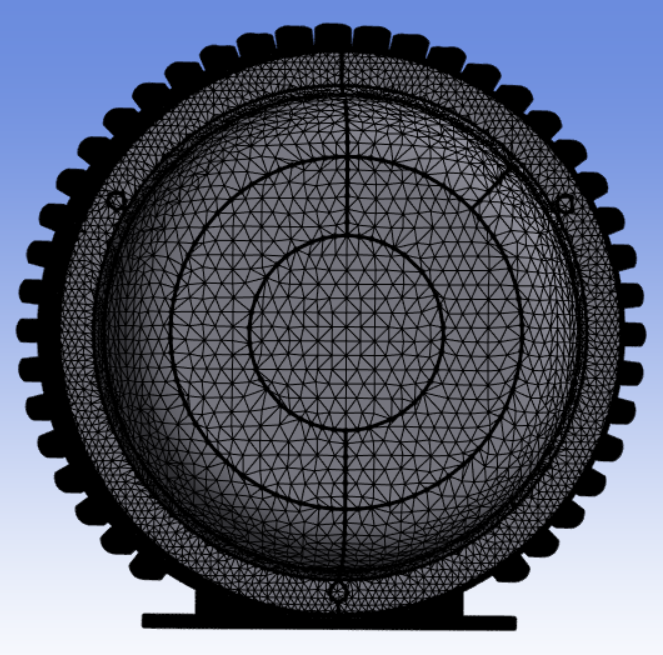
Size Field Wrapper Details view has the following options:
General
Control Type: Displays the selected control type.
Scope
Scoping Method: Allows you to scope Part as input for the Size Field Wrapper control
Scoping Pattern: Allows you to specify the name pattern to get the selected Scoping Method. Scoping Pattern supports Regular Expression.
Target Scoping Method: Allows you to merge the newly created part of the wrapper to the existing part automatically. Only Part can be selected for target scoping in Size Field Wrapper.
Target Scoping Pattern: Allows you to specify the name pattern to get the selected target Scoping Method. For more information, refer Scoping Pattern.
Definition
Size Field Name Pattern: Allows you to specify the name pattern of size fields to be activated for the wrapper operation.
Live Region Type: Allows you to select the region type to extract the wrap region. The available options are:
Material Point: Allows you to define the volume of the model being wrapped. The material point is set locally along with X, Y and Z coordinates. For Internal FEM Acoustics, the default value is Material Point.
External: Allows you to wrap the surface from the external region. For External FEM Acoustics and BEM Acoustics workflows, the default value is External.
Delete Input Scope: Allows you to delete the input source of the model after wrapping when Delete Input Scope is Yes. The default value is Yes.
Exclude Enclosure: Allows you to exclude the external region and wrap inner parts only for the box in box models when Exclude Enclosure is Yes. The default value is No.
Face Zone By Part: Creates a face zone for each part of the input scope when Face Zone By Part is Yes. The created face zones are converted to named selections in Mechanical after completing the mesh workflow. When Face Zone By Part is No, creates a single face zone for the whole input scope. Hence, only a single named selection is available for Mechanical after completing the mesh workflow. The default value is No.
Reverse Surface Orientation: Allows you to reverse the orientation of the created face zonelets. The default value is No. When Reverse Surface Orientation is No, the orientation is same as the position of the Live material point for the wrapper. When Reverse Surface Orientation is Yes, the orientation is opposite to the position of the Live material point for wrapper. BEM Acoustics uses Reverse Surface Orientation where you need to wrap the external and solve the internal field.