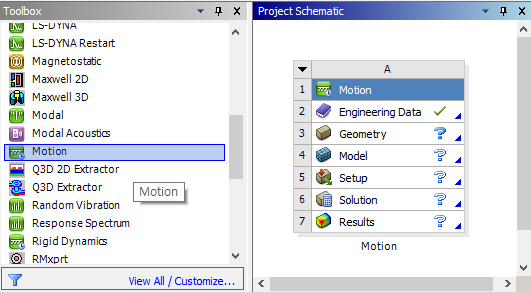
Motion is available in the Workbench Toolbox under Analysis Systems. To add Motion to your project, double-click the Motion system or drag-and-drop it into the Project Schematic.
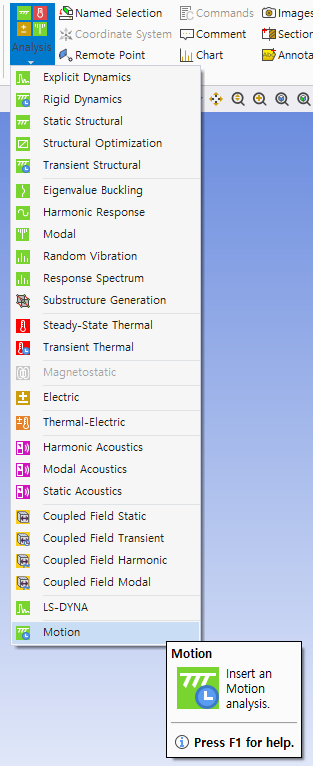
It is also possible to create a Motion project from the Mechanical user interface. To add Motion to your project, choose Motion from the menu in the ribbon.