


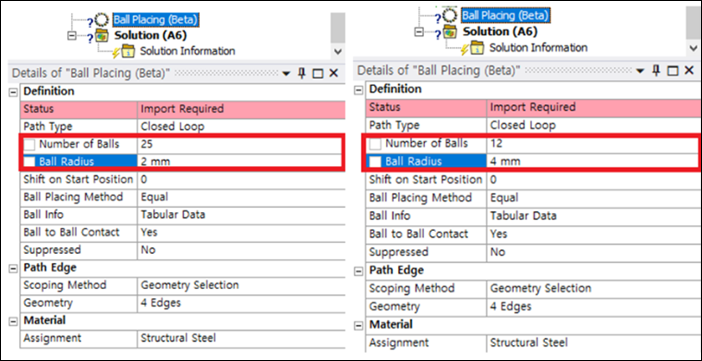
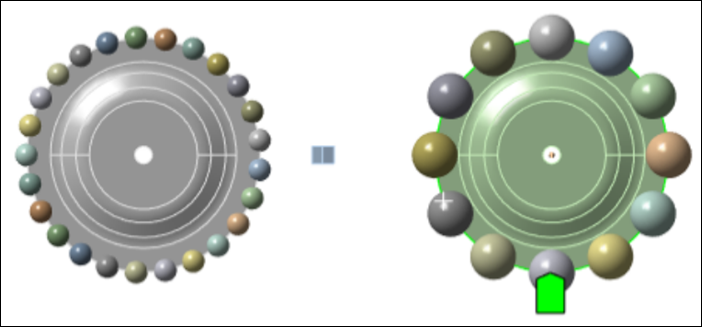
You can create the required balls by selecting the edges where you want to place them and entering the Number of Balls and Ball Radius as shown in the figures below.
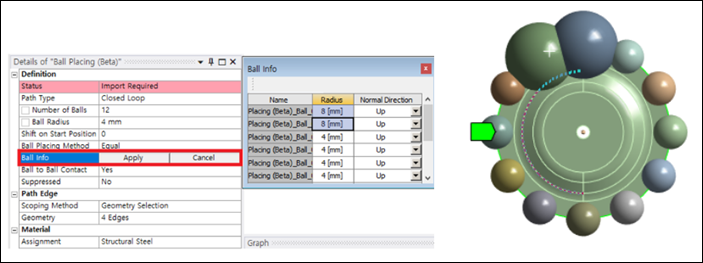
It is also possible to adjust the size of a specific ball and the normal direction used for Ball to Ball Contact through the Ball Info dialog shown in the figure below.
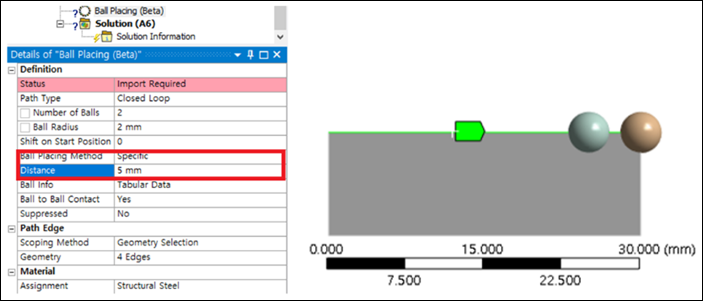
You can adjust the starting point where the ball is placed against the scoped edges through Shift on Start Position, and you can specify the spacing between balls through Ball Placing Method.
Note that:
Path Edges must be selected consecutively to arrange them in the desired order.
When changing the properties to relocate the balls, you must click .