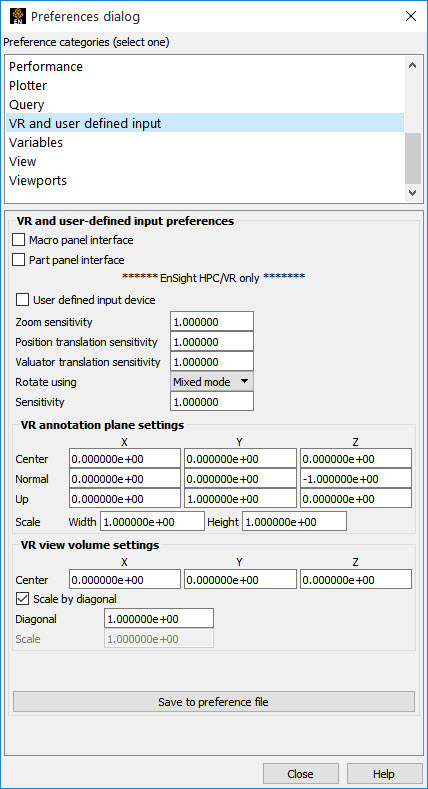
Manual Panel Interface:
Select → , and click .
Toggle Macro Panel Interface
The Main Graphics window updates the Macro Panel as defined in the EnSight Defaults Directory (located at %HOMEDRIVE%%HOMEPATH%\(username)\.ensight251 commonly located at C:\Users\username\.ensight251 on Win10, C:\Documents and Settings\yourusername\.ensight251 on older Windows, and ~/.ensight251 on Linux, and in ~/Library/Application Support/EnSight251 on the Mac) as the following file:
hum.define
(If you have not created this file, an example is provided in: $CEI/ensight251/src/cvf/udi/ HUM/hum.define on your EnSight Client host system.)