


Switching Viewpoint with a Scene Camera
Scene camera allows you to define and display a customized and fixed point of view.
Note: A scene camera is defined by the user.
To Switch View point with a Scene Camera:
-
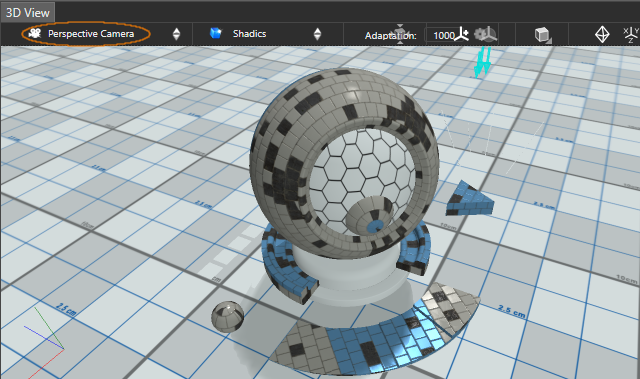
In the 3D View, click
 then select a scene camera to display
the user-defined view.
then select a scene camera to display
the user-defined view.
The Scene Camera view point is displayed.
Tip: You can custom the scene or
user-defined camera see Editing a Perspective Camera, Editing an Up-Preserved Perspective Camera or Editing an Orthographic Camera.