Exporting a Material Library
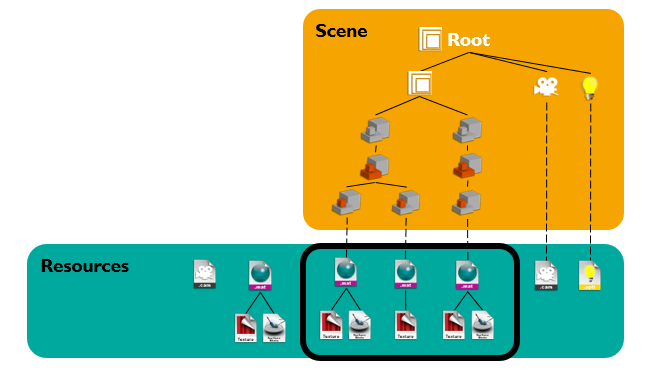
A Material library export contains all the materials, including the unused ones, and the related resources of a scene.
To Export a Material Library:
- Go to .
- In the File Explorer window, type a file name.
- Select Material library (*.library) file extension.
- Click Save.
All the material applied in the scene and their linked resources are exported and stored in the selected folder as a .library file.