Click > > .
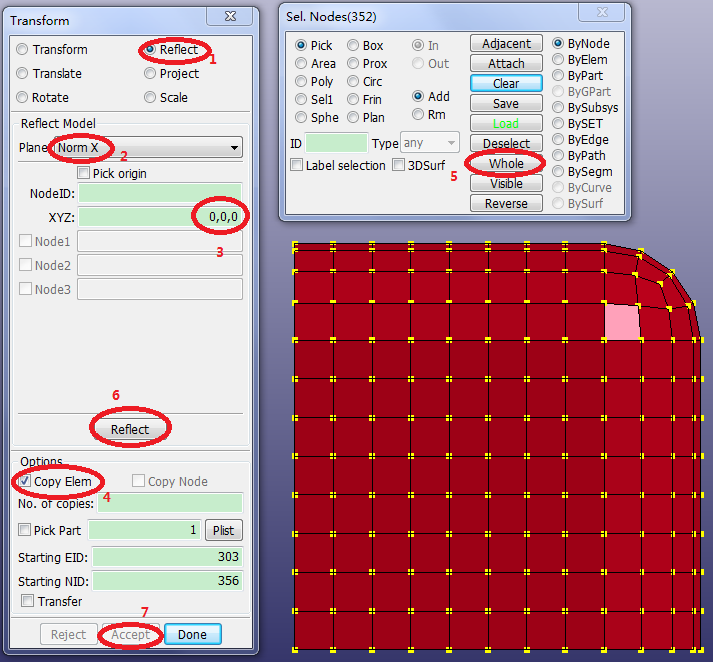
Select Reflect.
Select Plane: Norm X.
Enter XYZ=
0,0,0.Activate Copy Elem.
Click in the lower panel (gen select panel).
Click .
Click .
Repeat the steps from the previous page reflecting a copy of the whole model using Plane: Norm Y.
Repeat again using Plane: Norm Z.
Click .
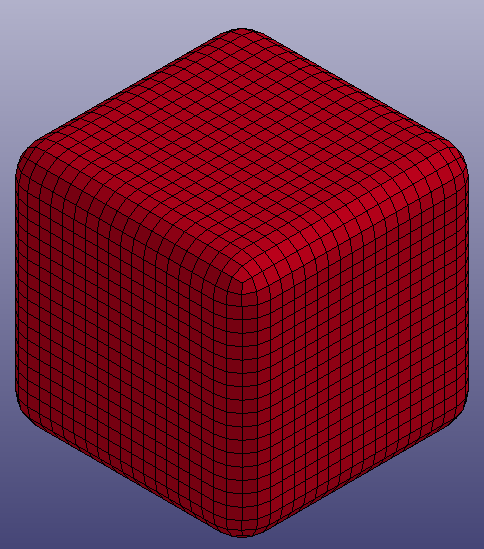
Hold down the Ctrl key and use the left mouse button to rotate the model for an isometric view.