On the Parameters and optimization panel State-space tab, enter a Solution ID.
Click Run to run the steady state solution.
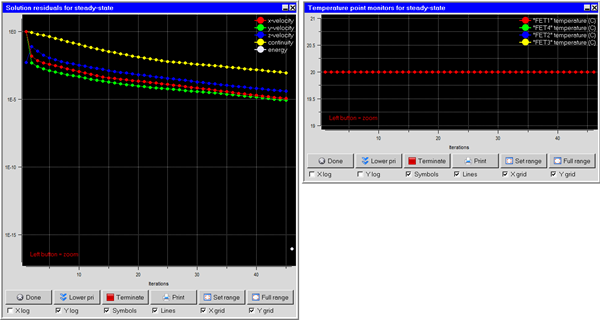
Note: The steady-state solution residuals appear as in the following images. Ensure that the the solution is converged.
Note: You can use parallel solve can for this solution. For parallel, ensure that Specify monitor point output frequency is disabled in the Parallel settings panel.
Click Done to dismiss the solution residuals panels.