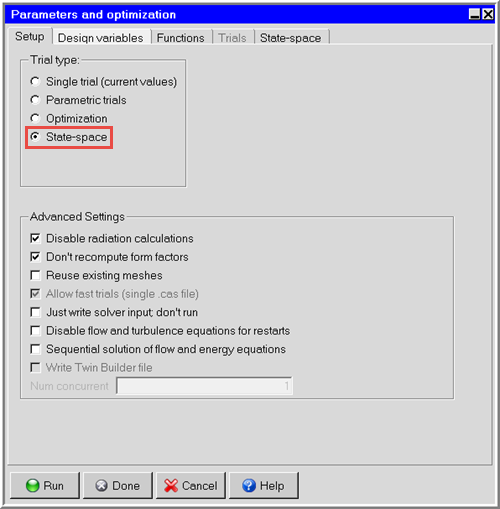
Contents Chapter 37: Icepak-Twin Builder Coupling | Print page 37.5. Step 2: Set up the State-space TrialsFrom the Solve menu, select Run optimization to open the Parameters and optimization panel.Figure 37.4: Parameters and Optimization panelNote: Ensure that Write Twin Builder file is disabled.For Trial type, select State-space. « 37.4. Step 1: Unpack the TZR File 37.6. Step 3: Enter Inputs and Outputs for State-space »