


To view details about your jobs as well as any jobs that have been shared with you, select in the navigation panel.
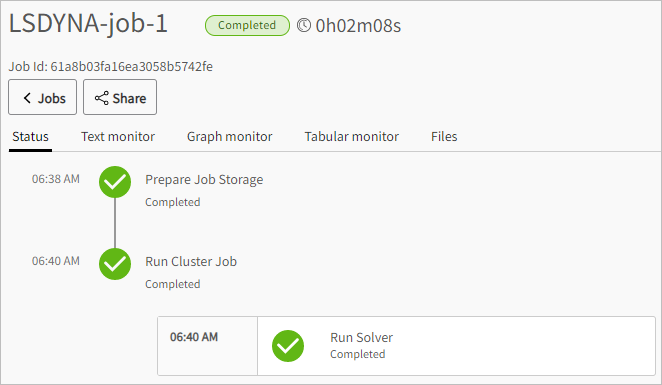
For a detailed look at what has happened or is currently happening behind the scenes for a selected job, click a job name. Alternatively, select the check box to the left of the job name and click .

The job view page for the selected job is displayed.
To refresh the information on the Jobs page, click  [Refresh].