

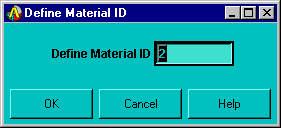
Define Material ID text field -- Allows you to specify a unique ID number for the material model you are defining. After you choose OK in this dialog box, all subsequent material information that you enter is assigned to this number. If you then specify another ID number and choose OK, material information that you enter is assigned to this latest ID number. The ID number that appears in the field by default is one number higher than the highest Material Model Number that appears in the Material Models Defined window. When you define the first model, it is not necessary for you to use this dialog box. Mechanical APDL automatically assigns Material Model Number 1 to the first model.
For more information related to the Define Material ID dialog box, see the MP and TB commands in the Command Reference.