Documentation Group
This is in the Documentation section of the Learning and Support Tab.
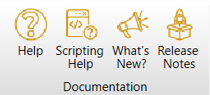
Help
Within this group, the Help button may be used to access the Ansys Zemax OpticStudio Product Documentation, otherwise known as the help files. The help files are provided in two forms: via an online portal, or via an offline help tool.
By default, the online portal is used. If you would like to change to an offline version of the help tool, you will need to download and configure the Ansys Help Viewer application. Instructions for this are found here: Installing and configuring offline help for Zemax OpticStudio 2026+
Scripting Help
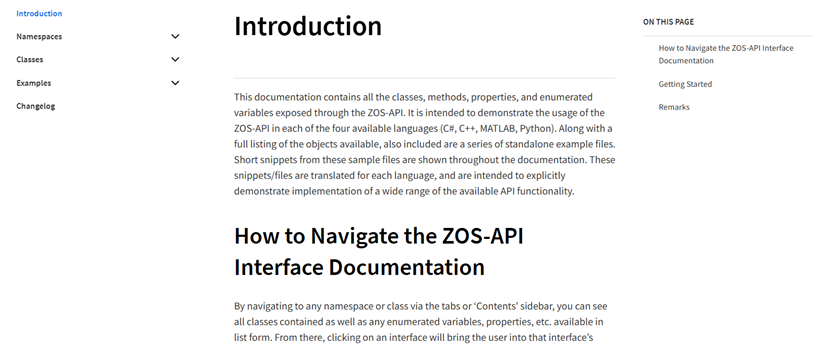
The Scripting Help button opens an external web browser to the Ansys Zemax OpticStudio for developers page. An internet connection is required to access this page. The page includes documentation of the Namespaces and Classes used in the ZOS-API. Several templates and sample codes are provided for C++, C#, Python, MATLAB, and Mathematica.
What's New
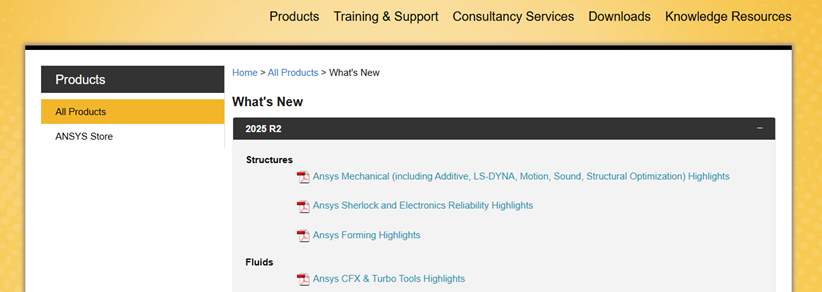
The What's New button opens an external web browser to the What’s New page in the Ansys Download Center, where new feature breakdowns for the major releases of various products can be downloaded.
Release Notes
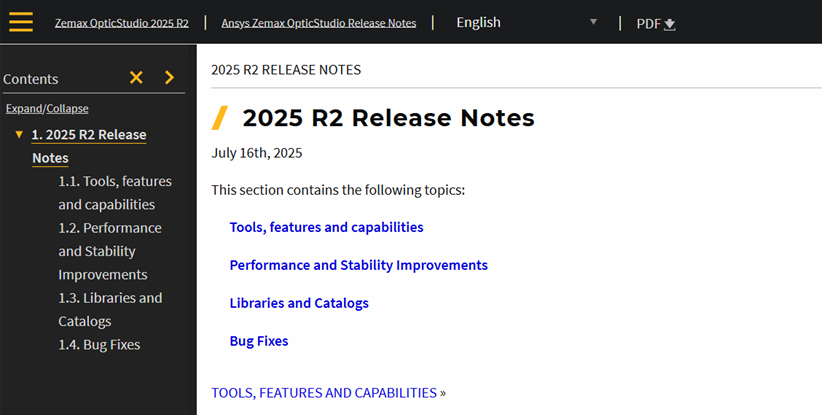
The Release Notes button leads to the Ansys Help location containing the release notes for this version of Ansys Zemax OpticStudio.