Component Debugging Tab
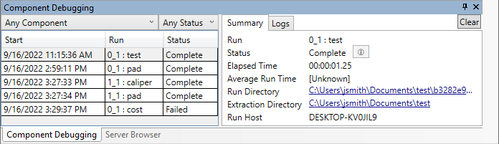
The Component Debugging tab is used to debug Component Plug-ins.
Note: The Component Debugging tab can only be used with ModelCenter Component Plug-Ins, not
with Legacy Components.
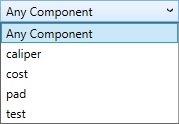
- Component dropdown - a dropdown field that lists all components that have
been run. Select a specific component to see that one component's runs or select
"Any Component" to see all components.
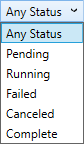
- Status dropdown - a dropdown field that lists all the possible status options
for a component. Select a specific status to see all components with that status or
select "Any Status" to see all statuses.
- Summary tab - displays a summary of a run. Click a run from the Component
side to see the run summary in this tab.
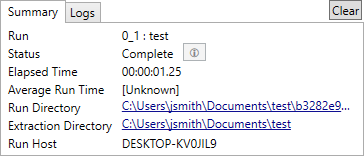
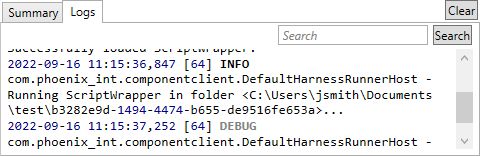
- Logs tab - displays the log from a run. Click a run from the Component side
to see the log in this tab.