Project Feature
The Project feature enables users to create, store, and manage multiple workflows and trade studies. Specifically, users can:
- Maintain a collection of workflows - Multiple workflows may be stored in a single Project. These workflows can be quickly referenced and loaded.
- Store results created with each of the ModelCenter trade study tools. Using a Project, the results of each trade study tool can be archived and later restored.
- Store Snapshots - Using the Snapshot Tool, the state of a workflow can be recorded at any time. A Project can store these snapshots and reload them for future reference.
- Create and store Design Histories - The evolution of a particular design can be tracked by storing a collection of snapshots in the Project. The Design History Tool can then be used to compare and contrast these designs.
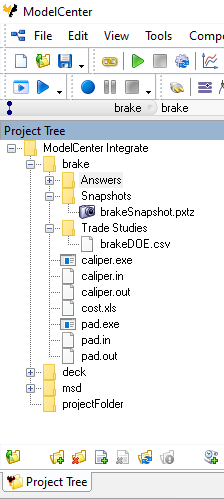
The Project tree structure displays a mirror of a directory on the file system. Any files stored in the file system directory is also displayed in the Project Tree. This one-to-one mapping allows Projects to be easily organized into folders and sub-folders.
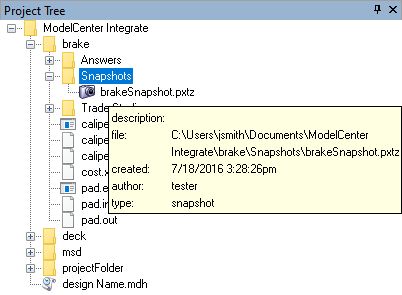
Tooltips are provided within the Project Tree to enable quick access to information about Project items.