


Impersonation
Users who are members of the MI Data Administrator or MI Grant system security role can 'impersonate' a user with a different (less privileged) system or database security role for testing purposes. Impersonation tools are accessed from .
You can now use MI Viewer with the access restrictions that you have specified. A warning is displayed at the top of the main page to remind you that you are working in "impersonation mode" and operating with restricted privileges, for example:
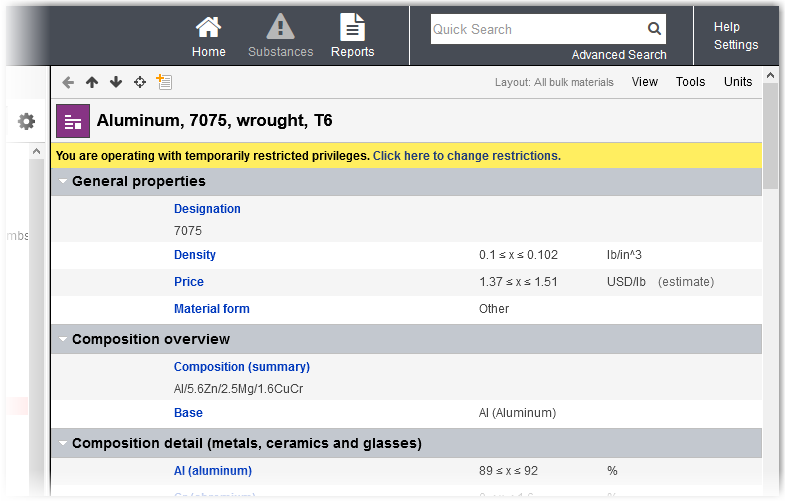
To restore your normal Granta MI privileges, click Click here to change restrictions and select Stop Impersonation.