Viewing data
Datasheets provide a view of the data in a record, organized under a number of headings, for example, General information, Designation, Bio-data, Mechanical properties, Substrate information.
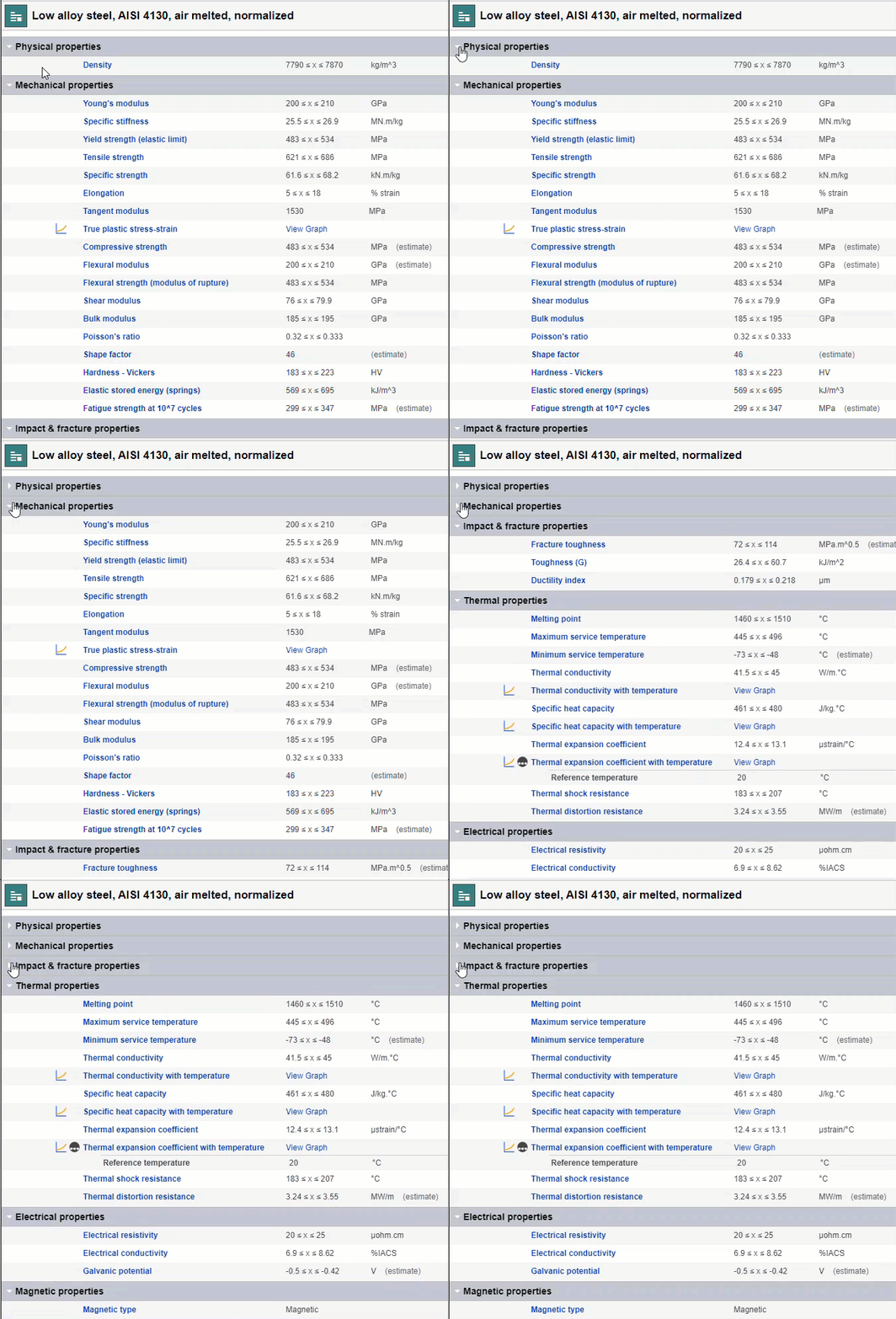
There are two different types of datasheet - Summary and Full datasheet, and you can click or to switch between modes.
Summary datasheets
Summary datasheets show a compact view of the available data. Complex data may be hidden by default, for example, detailed tabular data, graph data, linked data, and metadata.
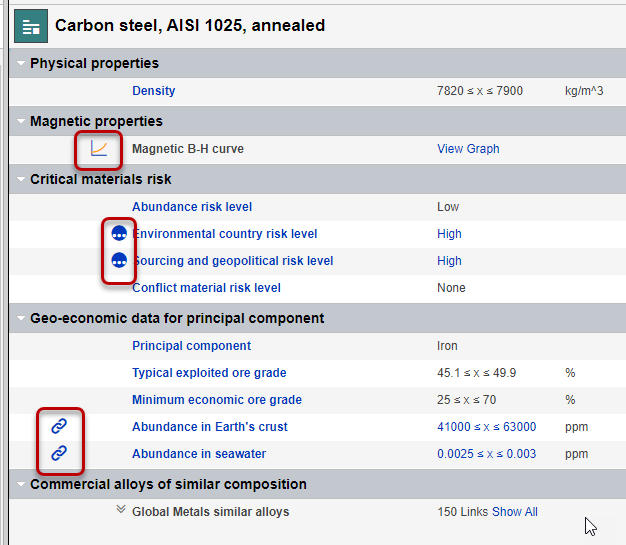
The default visibility of metadata, Tabular data, and graph data is configured via Layout and Attribute settings, and is controlled by your Granta MI Data Administrator.
Full datasheets
Layouts
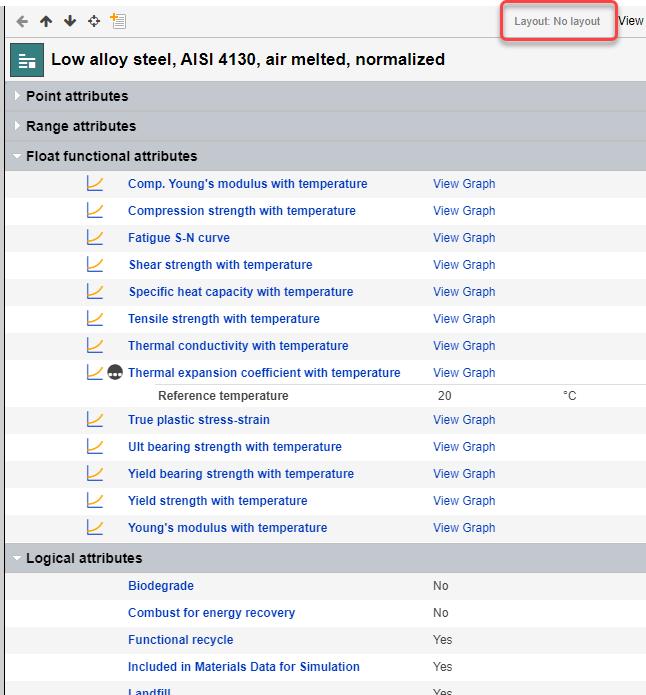
Layouts define what you see in datasheets - the headings as well as the Attributes, Meta-attributes, and record links that appear under them, and the order in which all this information appears. You may see different headings and Attributes if you view the same datasheet using a different Layout, or with no Layout at all.
You can see the name of the current Layout at the top of the datasheet:
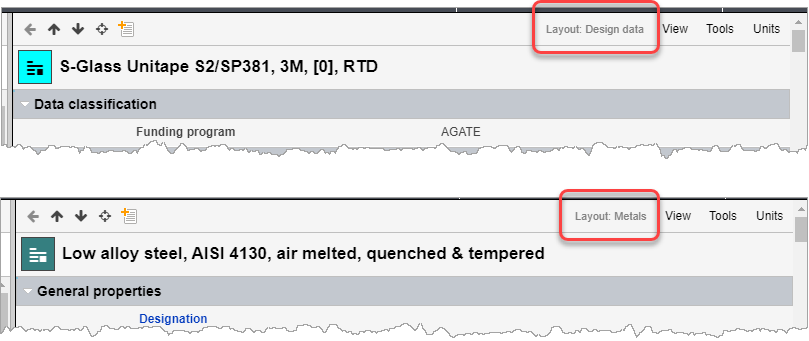
Layouts are usually linked with specific Subsets, and when you select a different Subset for a Table in the Contents tree, the Layout associated with that Subset will be selected by default in the datasheets for all of the records in that Table.
You may be able to choose a different Layout from the datasheet View menu. The Layout you choose will then be used on datasheets for all records in the same table. Choosing No Layout will show Attributes organized by data type, for example.