


Copying a Favorites List
You can copy an existing personal or published Favorites List to create a new personal list, which you can then edit.
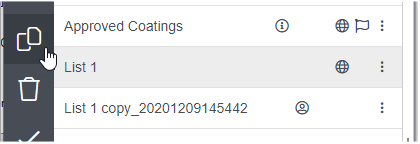
In the Lists panel, right-click and choose Duplicate this
list or click  Duplicate selected list on the toolbar.
Duplicate selected list on the toolbar.
The new, personal List has copy_ and the date and time of creation
appended to its original name.
Note: If the list that
you copy contains any records that you are not authorized to access, they will be included
in the new list, but you will not be able to see them.
To edit the name, description, and notes, see Viewing list details and change history.
To publish the new list, see Publishing a Favorites List.