


Selection Projects
Selection projects are used in Granta EduPack to specify constraints, function, and objective in order to identify candidate materials for applications, and to create materials selection charts that plot one property against another. Selection stages, comparison tables, and charts can all be saved within the project file.
Click  Chart/Select on
the main toolbar to open the Selection Project panel.
Chart/Select on
the main toolbar to open the Selection Project panel.
There are four parts to a
selection project:
- Selection data
- The database and record subset from which the selection will be made.
- Selection stages
- One or more stages and set criteria to select appropriate records.
- Results
- The materials that meet your selection criteria.
- Reports
- Reports from the records that pass the specified selection criteria. (Selection reports are not available in Granta EduPack Introductory.)
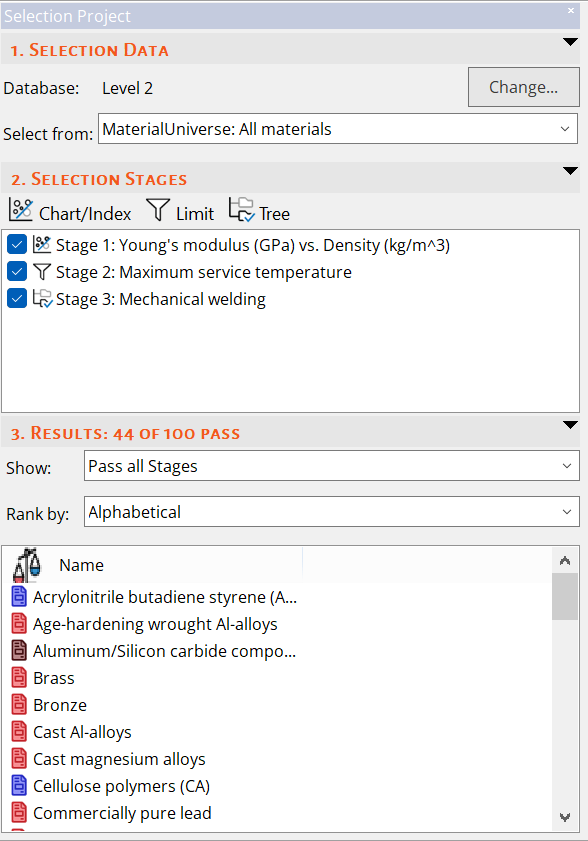
Figure 1. The Selection Project panel in Granta EduPack Introductory.
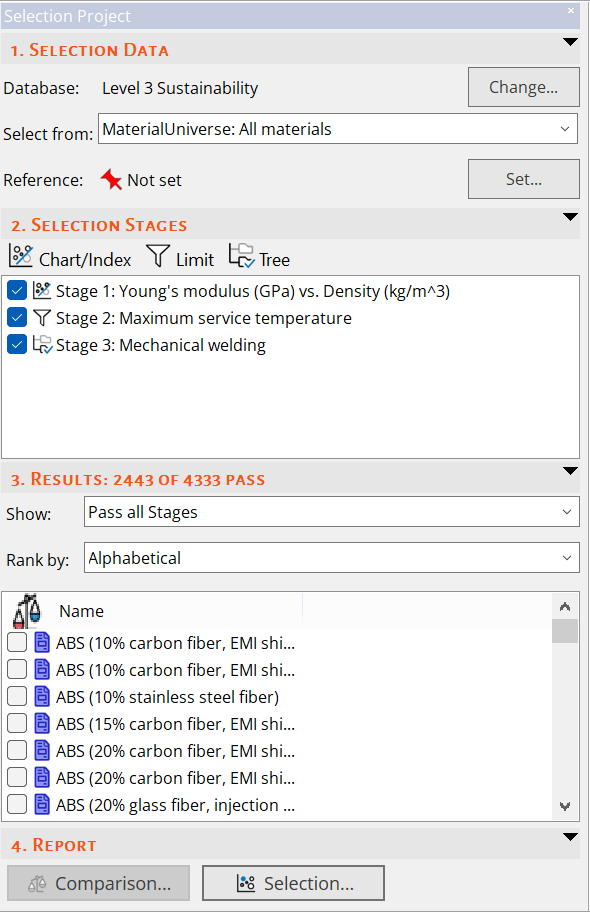
Figure 2. The Selection Project panel in advanced Level 3 databases, with Comparison Table and Selection Report options.