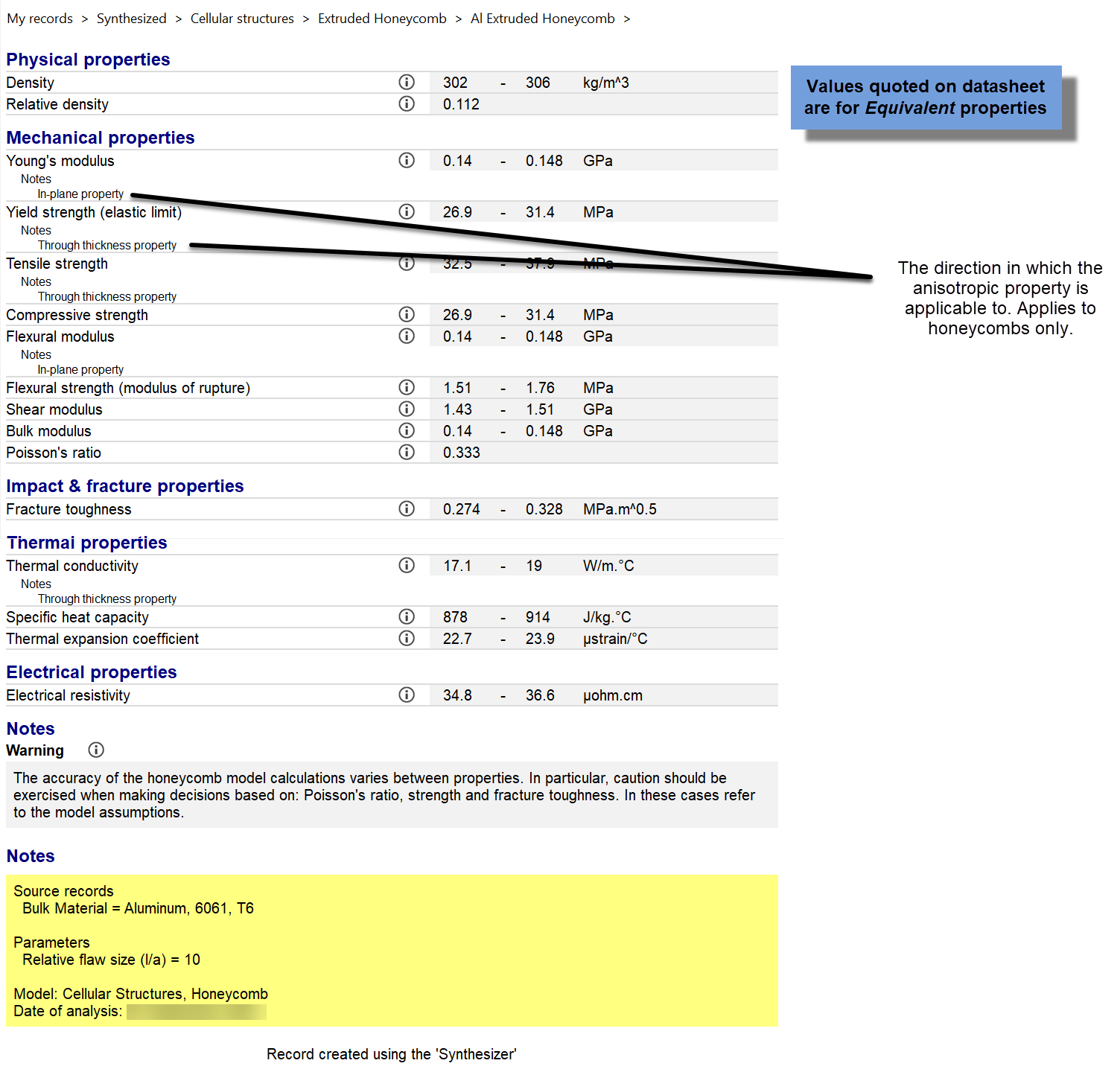
Instructions for using the Synthesizer tool's Cellular Structures model.
-
Click Synthesizer on the main toolbar and under
 Cellular Structures, click the
required model type:
Cellular Structures, click the
required model type:
- Foam, closed-cell
- Foam, open-cell
- Honeycomb
- Triangulated lattice
Structure type
-
For Honeycombs, in the Honeycomb Type list, select
Extruded or Expanded.
Source records
-
To select a Bulk Material, click
Browse.... This displays the full MaterialUniverse tree
for the active database. Browse the tree, highlight the material of interest and
click OK.
Model variables
-
Specify the Relative Density for the cellular structure.
This can be entered as either:
- A single value
- A list, with each number separated with a semi-colon (for example, 1; 3;
6; 10; 15)
- A range (for example, 1-15)
-
When a range is specified, the number of relative densities must also be
specified in the Number of values box.
-
Specifying a list or range enables a family of foams or lattices to be
evaluated.
Note: Some of the equations used assume that the cell edge thickness is much
less than the cell size, and hence are only valid up to a relative density
of approximately 30%.
Model parameters
-
In the Relative flaw size (l/a) box, type a value, where
l = average cell size and a = maximum flaw size in the bulk
material. The default value is 10. This parameter is used to calculate the
fracture toughness of the material.
-
For closed-cell foams, in the Proportion of material in the cell
faces, (1-φ) box, type a percentage. This specifies the relative
percentage of the bulk material in the cell faces (φ giving the proportion in
the cell walls). It defaults to a typical value of 20%. As with the relative
density variable, a single value, list or range can be entered.
-
For closed-cell foams, in the Thermal conductivity of gas in
cells box, type a value (current units are shown to the right of the
box).
Record naming
-
In the Bulk Material box, type the abbreviated name. For
example, if your source record is Aluminum, type Al. This is used to create the
record names for the new cellular materials.