Generating the selection report
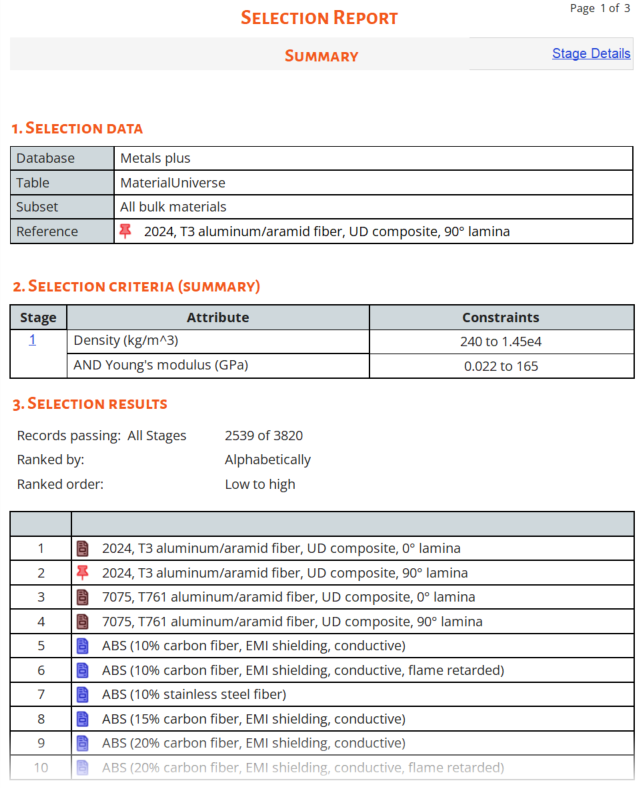
The Selection Report autogenerates from the current selection project's data and selection stages.
In the Reports pane of the
Chart/Select window, click the  Selection button. The Selection Report window
is displayed.
Selection button. The Selection Report window
is displayed.
The report will update automatically if changes are made to the selection project, for example, if a new selection stage is added.