


Exercise 3: Saving and Exporting
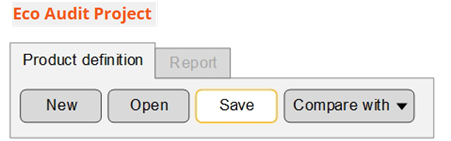
Eco Audit projects do not form part of a selection project, so you will need to save them separately.
-
Save the product definition
-
Export the report as a PDF
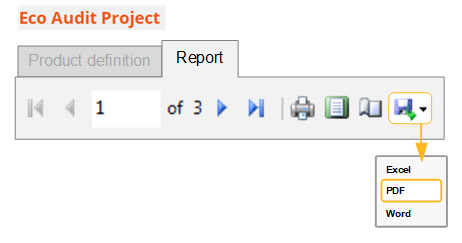 Note: You will require a PDF reader such as Adobe Reader® to view the exported report.