


To view and copy the chart data
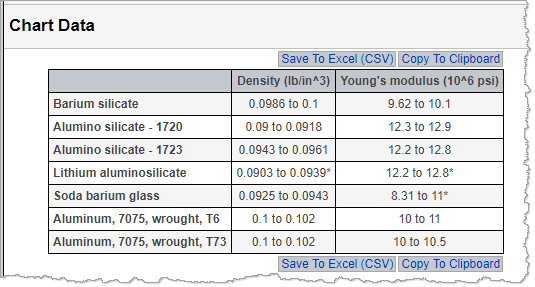
The chart image and the underlying chart data in a, X-Y Chart can be copied for use in documents or presentation.
The data in the table view can be copied to the clipboard or saved as a CSV file. To return to the chart view, on the View menu, click Chart.
You can copy a chart and paste the image into a document, presentation, or spreadsheet. Note that you may need to use Paste Special in your target document, depending on your browser.
- On the X-Y Chart page, click the Copy command below the chart.
- Copy the image using your browser's Copy function. For example, right-click and then click Copy.
- Paste the image into the target document.