


Analysis reports
When the Granta MI Restricted Substances Reports software is installed on your Granta MI application server, reports that may be used to analyze restricted substance risks in materials or substances in your Record List will be available on the Reports page.
Granta MI Restricted Substances is an optional package for Granta MI that supports regulatory risk and compliance analysis and reporting. Reports that are relevant to the data currently in your record list will be listed under the Run Reports heading, for example.
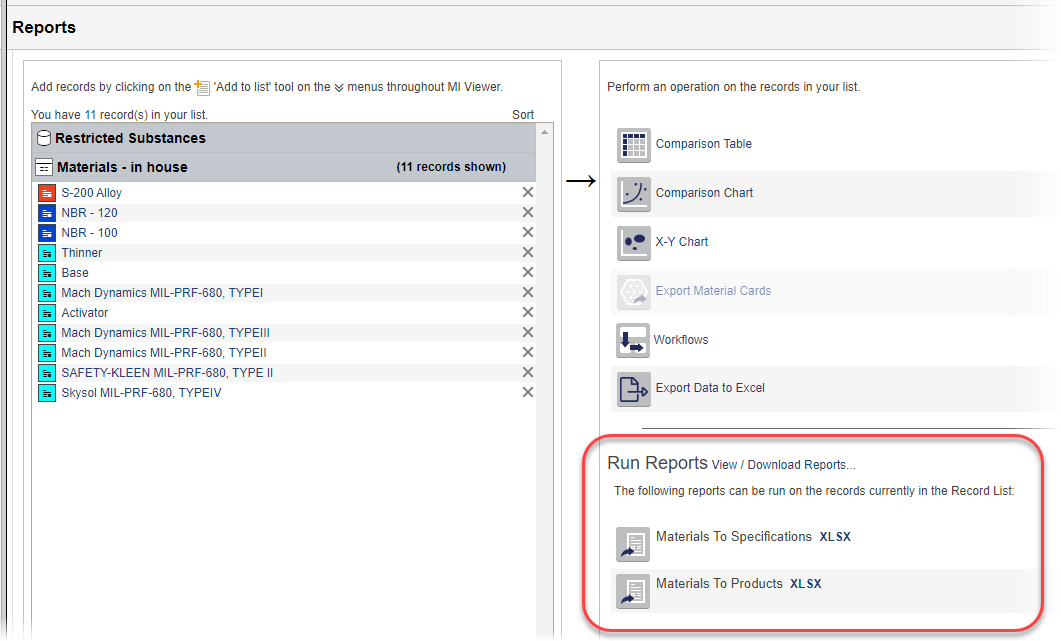
The reports that you see listed will depend on your software version, and on the data currently in your Record List:
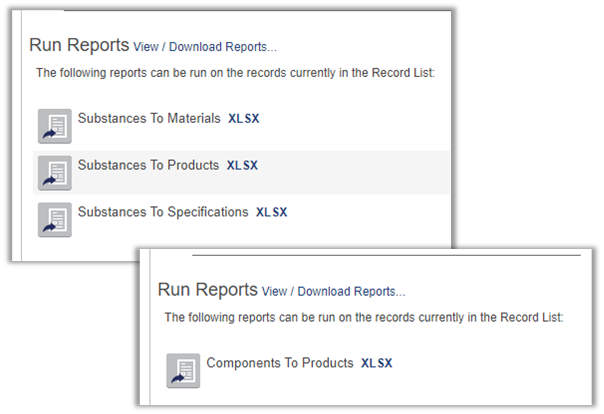
You identify the records of interest and select the report type in MI Viewer and then submit a report job to the Granta MI job queue. The data is fetched and analyzed, and the report is generated in a background process, so that you can continue with other tasks while the report is running.
-
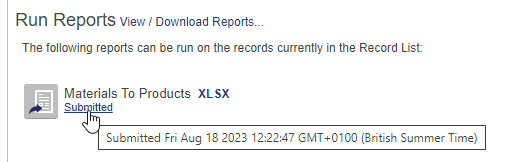
Click Submitted below the report name to go to the Job Queue
application where you can view the report job progress, and download the finished
report once it has completed.
-
Double-click a completed job to open it, then click the file name button to
download the finished report:
