


Summary datasheet / Full datasheet
There are two different data sheet view modes - Summary and Full datasheet.
Click or to switch between modes.
The Summary datasheet shows a compact view of the available data. Complex data may be hidden by default, for example, detailed tabular data, graph data, linked data, and metadata. Click the relevant datasheet icons to reveal the hidden information:
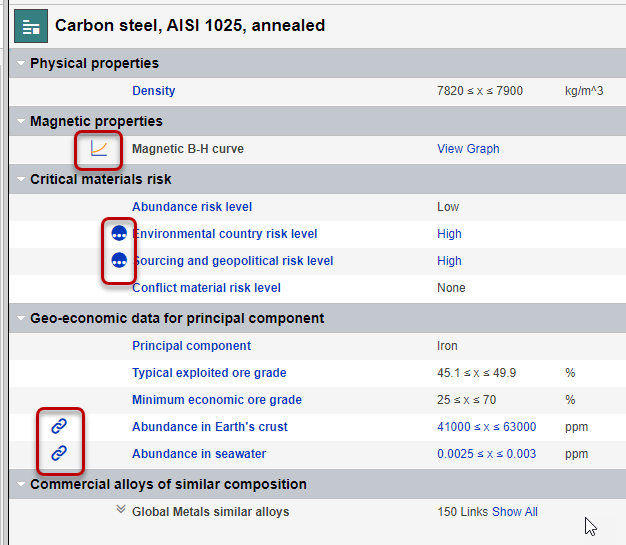
The default visibility of metadata, Tabular data, and graph data on datasheets in Summary view is configured via Layout and Attribute settings, and is controlled by your Granta MI Data Administrator.
The Full datasheet shows all data for all Attributes in the current Layout, with all hidden
data expanded.
Tip: You may find it useful when navigating a long datasheet to
collapse all of the datasheet headings (), and then expand just the ones with the data you are interested in