


Showing or hiding functional data charts on a datasheet
Expand or collapse all functional data displayed on the current datasheet.
On a datasheet tab:
To show or hide all functional data charts on the datasheet, click  Show/Hide in the datasheet toolbar.
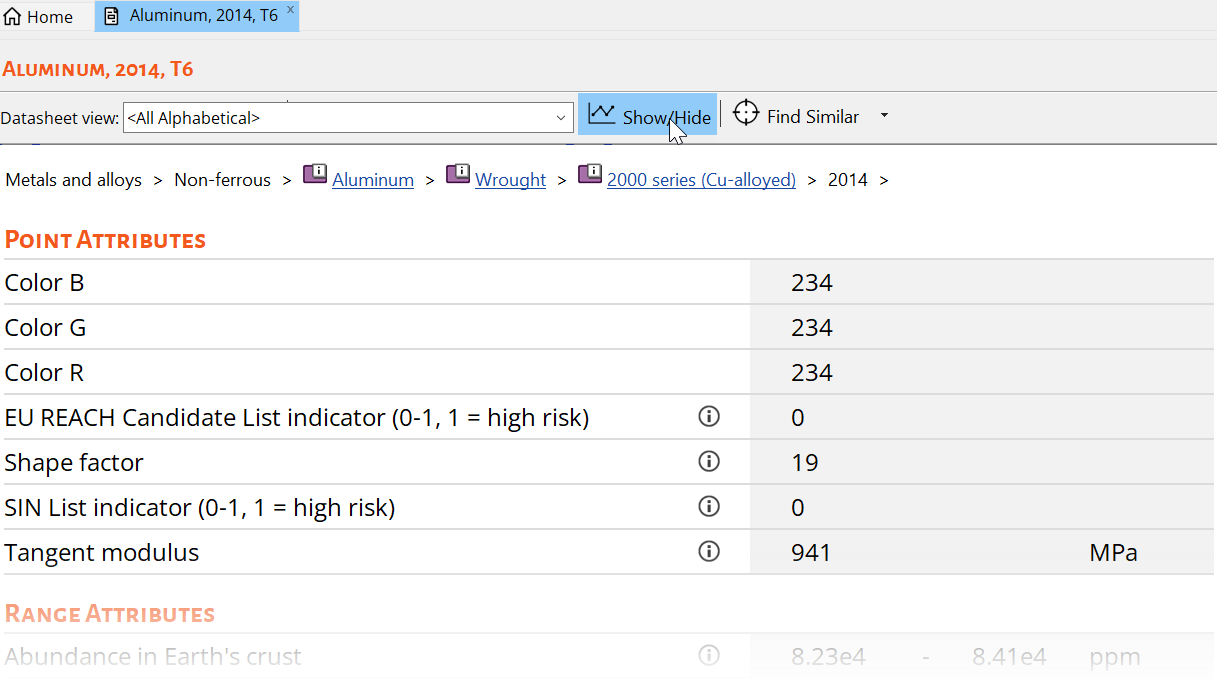
Show/Hide in the datasheet toolbar.
Note:
The chart is displayed with default parameter values.
The default X-Axis Parameter for a functional attribute is defined in the database.
The Show/Hide setting applies to the current datasheet only.