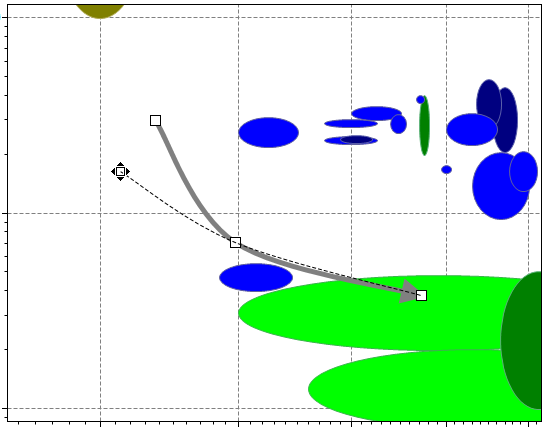
Moving existing point on arrow
To move an existing point on an arrow:
-
Move the cursor over an existing point on the arrow.
The cursor will change to
 when it is on a point.
 -
Click and drag the point to the new position.
The new arrow shape is shown as a dotted line.